
Companion Window | Always on Top
Extension Actions
Transform any webpage into a floating, always-on-top window for seamless multitasking and enhanced productivity
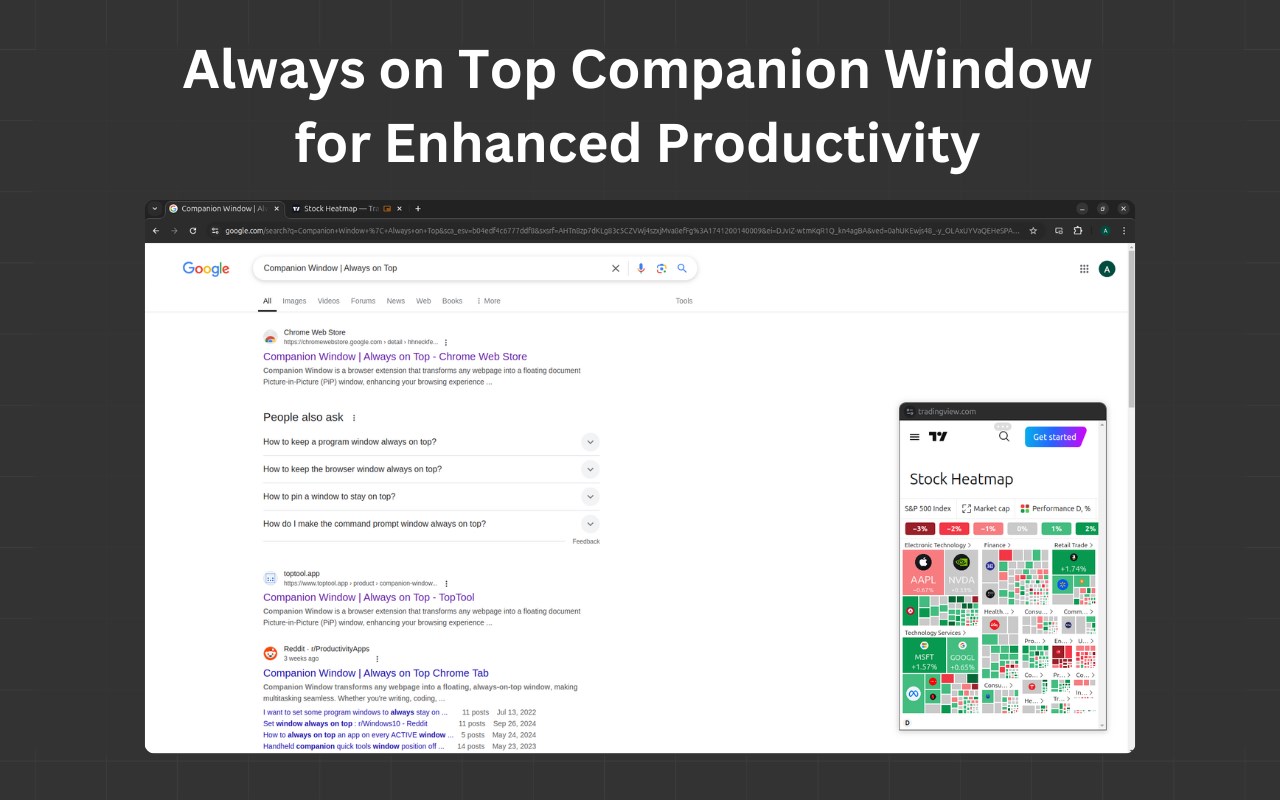
Transform any webpage into an always-on-top floating window using Document Picture-in-Picture (PiP) technology.
Enhance your browsing experience and boost productivity by keeping essential content visible—no matter which app or tab you're using.
Whether you’re coding, following a tutorial, monitoring live updates, or engaging with AI assistants, Companion Window makes multitasking effortless.
- - - - - - - - - - - - - - -
🌟 Key Features
🔝 Always-on-Top Window:
Keep any webpage visible and accessible while working in other browser tabs or applications.
🔄 Flexible Access:
Open the Companion Window using the toolbar icon, right-click context menu, or the convenient keyboard shortcut (Alt+C).
🎛️ Window Controls:
Easily minimize, restore, and refresh your companion windows to maintain an organized workspace.
⚙️ Customizable Experience:
Tailor the extension to your preferences by toggling options such as:
- Context Menu Options: Enable/disable "Open in Companion Window" for both web pages and links.
- Floating Button: Show or hide the floating menu button (displayed at the top-center of the window) for quick access to additional controls.
🤖 Seamless Integration with AI Platforms:
Ideal for keeping AI assistants like ChatGPT, Gemini, Claude, DeepSeek, and others always within reach.
🔓 Open Source:
Join the community on GitHub—review the source code, contribute improvements, and help shape the future of the extension.
- - - - - - - - - - - - - - -
📋 How to Use
🧰 Toolbar Icon:
Simply click the extension icon in your browser toolbar to open the current tab in a Companion Window.
📌 Context Menu:
Right-click on any webpage and select "Open in Companion Window" to launch the floating window.
⌨️ Keyboard Shortcut:
Press Alt+C for a quick and easy way to activate the Companion Window.
- - - - - - - - - - - - - - -
🛠️ Extension Options
Access additional settings by right-clicking the extension icon and selecting "⚙️ Options":
📝 Context Menu Settings:
- In Page: Enable/disable the right-click option for webpages.
- On Link: Enable/disable opening links directly in a Companion Window.
👁️ Floating Button Visibility:
Toggle the display of the floating menu button that offers additional window controls.
⌨️ Keyboard Shortcuts:
Customize the default keyboard shortcut (Alt+C) via your browser's extension settings to better suit your workflow.
- - - - - - - - - - - - - - -
➡️Contributing
We’re open to contributions! If you find any bugs or have suggestions for improvements or new features, feel free to open an issue or submit a pull request.
Latest reviews
- Ilham
- cool, but sometimes the player window not sync with the audio
- 建华
- 下载后重启浏览器或者刷新页面就可以用了
- 吴媛媛
- 我的也不支持
- Restrepo,
- Excellent extension. Works exactly as advertised. Great for outdated recorded lectures with updated slide deck. You guys have a great product here.
- 世鹏
- 此主机不支持%20(microsoftedge.microsoft.com)")%3Bwindow.close()%3B<%2Fscript><%2Fbody><%2Fhtml>,打开扩展,也重新加载浏览器结果,显示不支持
- 糖
- 特意登录上来评论,这个真好用,支持呀
- 逸
- 特意登录上来评论,这个不能用,骗人的