
multiple-highlighter
Extension Actions
Highlight multiple keywords on any webpage with distinct colors so you can scan dense content faster.
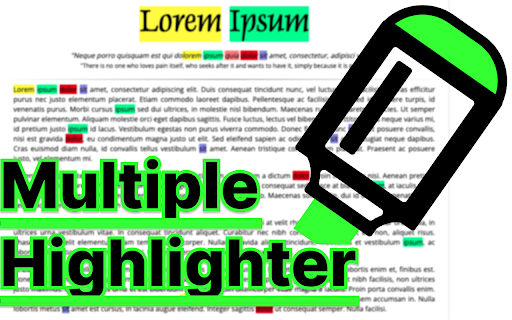
Unlike the regular 'Find in page' in Chrome, this extension can
- search for multiple words at the same time.
- can use regex/wildcard (needs option change)
- can change the highlight color
via the side panel on each tab.
▶Usage
1. Navigate to the web page you want to highlight.
2. (Optional) Pin the extension icon to your toolbar to make your experience more great!
3. Activate the extension,
- Click the extension icon in your browser toolbar,
- Right-click and select "Toggle multiple highlighter panel" in the menu
- (Optional) select a text to be highlighted with right-click and select "Add selected text to multiple highlighter" in the menu
- Use shortcut(Ctrl+m/Cmd+m). You can set any shortcut key.
4. Enjoy an enhanced highlight of multiple words on your page.
▶TODO
- Highlight in PDF file
- Highlight in textarea