
Copy as Markdown
Extension Actions
CRX ID
coohonllohmhpbklloifbjjibeggijol
Description from extension meta
Copy any selected text as clean Markdown. Right-click to convert HTML to Markdown instantly.
Image from store
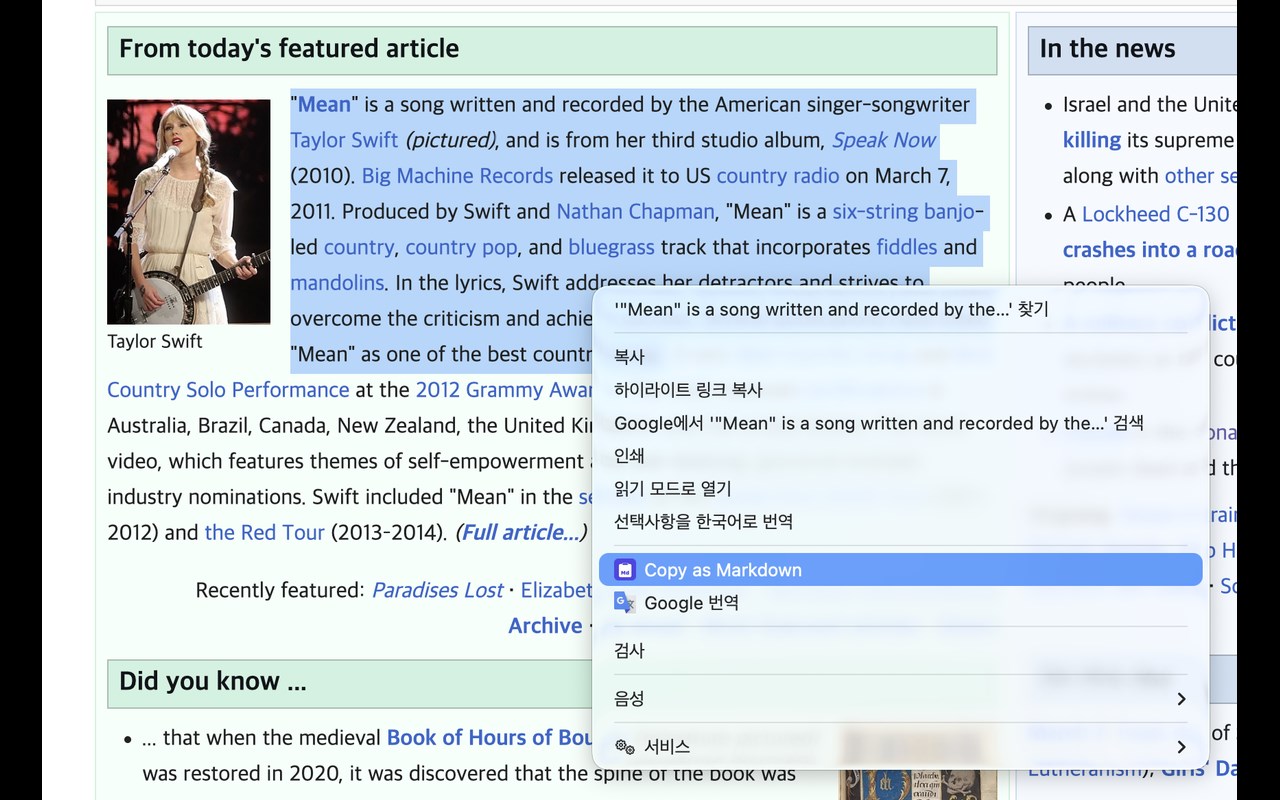
Description from store
Copy as Markdown converts any selected text on a webpage into clean, well-formatted Markdown with a single right-click.
**How to use:**
1. Select any text on a webpage
2. Right-click and choose "Copy as Markdown"
3. Paste clean Markdown anywhere
**Features:**
- One-click HTML to Markdown conversion
- Preserves headings, links, images, lists, code blocks, and tables
- Copy history with re-copy support
- Works on any webpage
- No data collection, fully offline
**Perfect for:**
- Developers writing documentation
- Bloggers and content creators
- Note-takers using Markdown editors (Obsidian, Notion, Typora)
- Anyone who copies web content regularly