
HDrezka Helper
Extension Actions
CRX ID
dccbdaopjpaemaleakdlahglfbhkdldj
Status
- Extension status: Featured
- Live on Store
Description from extension meta
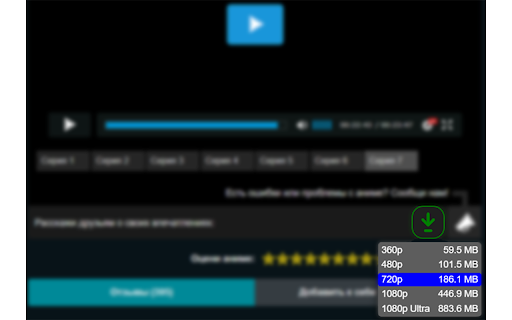
Downloads movies and subtitles. Supports mirrors.
Image from store
Description from store
⚠️How to add your mirror:
1. Open the tab with the site you want to add.
2. In the upper right corner, click the Puzzle icon.
3. In the appeared list, select the extension icon.
4. In the opened window, click "Add site".
Latest reviews
- Alexandr Goncharov
- Works perfectly, plus an easy and nice UI.
- Petr McAllister
- works out of the box!
- Beyond Birthday
- Good work, thanks
- Serhii Vasiliev
- Good
- Alexander
- Super!
- Alexander
- Super!
- officialNewCat
- Отличное приложение, спасибо тебе СуперЗомби, программа облегчает жизнь
- Anastasiya Akhrem
- Все работает, супер!