
Sokuji - AI Meeting Translator
Extension Actions
AI-powered instant speech translation for all video meetings. Break language barriers with real-time voice translation.
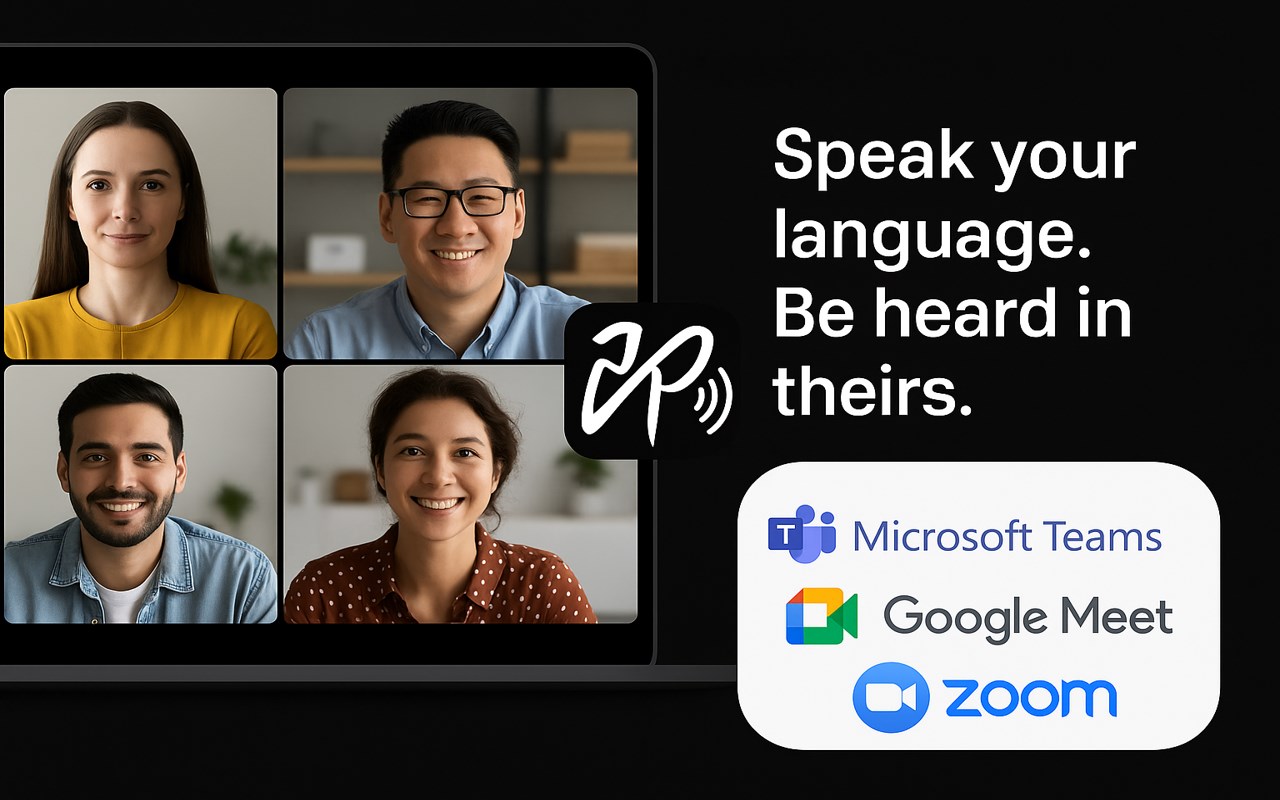
🗣️ Speak your language. Be understood in theirs. Instantly.
Sokuji is an AI-powered real-time speech translator that works directly inside your video meetings — no extra apps, no copy-pasting, no awkward pauses. Just speak naturally, and your words are translated and spoken aloud in your teammate's language, in real time.
━━━━━━━━━━━━━━━━━━━━━━━━━━━━━━
✅ WHY SOKUJI?
Unlike text-based translators or clunky meeting bots, Sokuji provides voice-to-voice translation that flows naturally into your conversation:
• Real-time voice translation — Your speech is translated AND spoken aloud, not just displayed as text
• Virtual microphone — Others hear the translation directly through their meeting audio, no setup needed on their end
• Works inside your meetings — No separate window, no screen sharing, just seamless integration
• Multiple AI engines — Choose from OpenAI, Google Gemini, Volcengine (ByteDance Doubao), Palabra AI, or Kizuna AI based on your needs
• Offline AI models — Run translation entirely on your device with built-in AI models, completely free, no API key needed, no internet required
• True privacy by design — Your voice NEVER passes through our servers. Not even we can hear your conversations
• 35+ languages supported — From English, Japanese, Chinese to Arabic, Hindi, and beyond
━━━━━━━━━━━━━━━━━━━━━━━━━━━━━━
🖥️ WORKS WHERE YOU WORK
Sokuji works seamlessly with all major web-based video meeting platforms. Whether you're on a team call, a client meeting, or a virtual conference, just select "Sokuji Virtual Microphone" in your meeting's audio settings and you're ready to go. It supports any web-based meeting tool that allows microphone selection.
━━━━━━━━━━━━━━━━━━━━━━━━━━━━━━
🚀 HOW IT WORKS (3 Simple Steps)
1. Open your video meeting on any supported platform
2. Click the Sokuji icon and configure your AI provider & languages
3. Select "Sokuji Virtual Microphone" as your mic — done!
Your colleagues hear the translated voice automatically. No installation or setup needed on their side.
━━━━━━━━━━━━━━━━━━━━━━━━━━━━━━
💡 PERFECT FOR
• International teams with daily standups and meetings
• Customer calls across language barriers
• Global conferences and webinars
• Remote workers collaborating across countries
• Language learners practicing in real conversations
• Content creators working with international collaborators
• Privacy-conscious organizations that cannot send audio to third-party servers
━━━━━━━━━━━━━━━━━━━━━━━━━━━━━━
🔒 PRIVACY-FIRST — YOUR VOICE STAYS YOURS
Sokuji is built so that your voice data NEVER touches our servers. By architecture, not by policy.
• Zero data collection — We have no server that receives your audio. It's technically impossible for us to hear your conversations
• Offline AI mode — Use built-in AI models that run 100% on your device. Your voice never leaves your computer. Completely free
• Cloud AI mode — When using OpenAI or Gemini, you use YOUR OWN API keys. Data flows directly between you and your chosen AI provider — we are never in the middle
• No third parties — Your voice is only heard by meeting participants and (if you choose cloud AI) your selected AI provider. No one else. Ever
• Open source — Don't take our word for it. Inspect the code yourself at github.com/kizuna-ai-lab/sokuji
• No account required for basic usage
━━━━━━━━━━━━━━━━━━━━━━━━━━━━━━
🌐 AVAILABLE AS
• Chrome/Edge browser extension (this listing)
• Desktop app for Windows, macOS, and Linux
━━━━━━━━━━━━━━━━━━━━━━━━━━━━━━
💬 FEEDBACK & SUPPORT
We'd love to hear from you!
• Report issues: github.com/kizuna-ai-lab/sokuji/issues
• Star us on GitHub if you find Sokuji useful ⭐
Made with ❤️ by Kizuna AI Lab