
TikTok Video Downloader
Extension Actions
Download TikTok videos without watermarks.
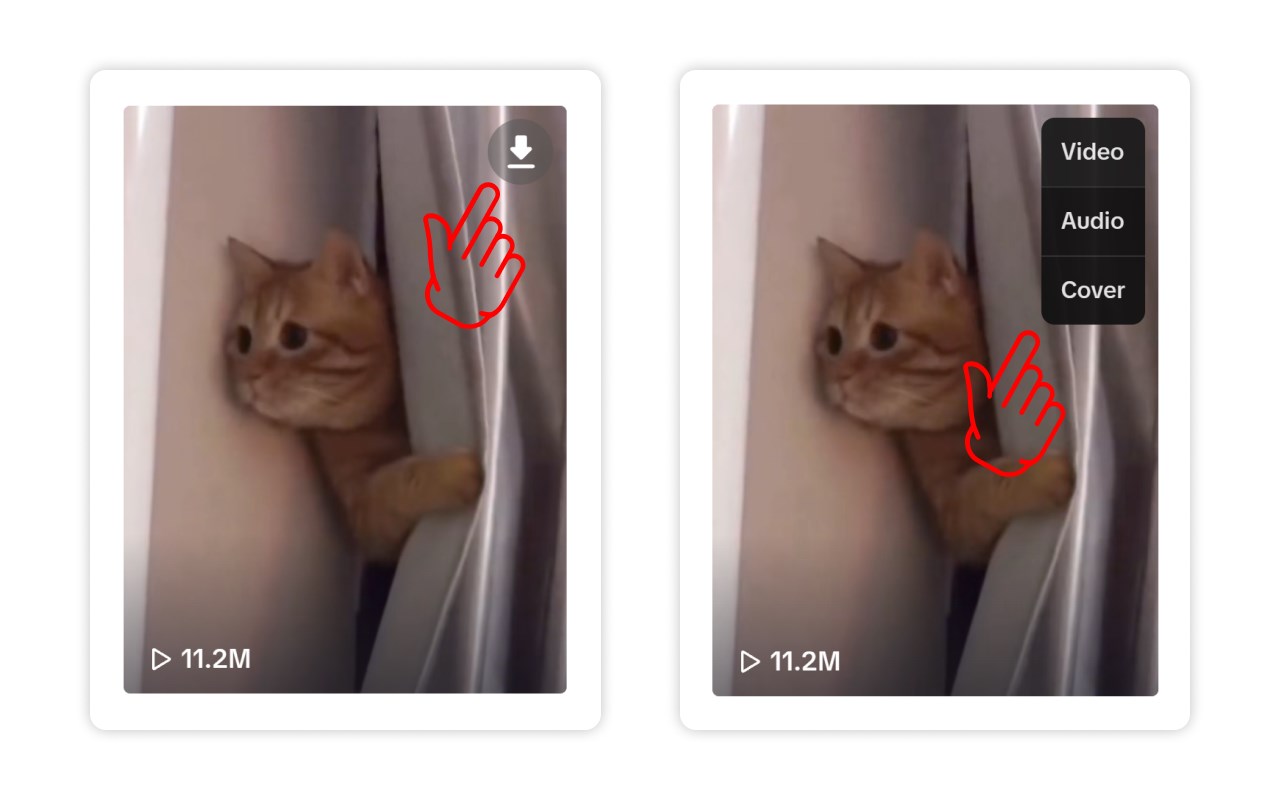
1. Download video: Click the download button in the top right corner of the video.
2. Modify video filename: Click the extension icon, then click the settings button to enter the settings page and modify the filename.
3. Video filename rules not working: This may be due to simultaneous installation of extensions for managing browser download content. Try temporarily disabling other extensions and download the video again to verify if the rules work. If the rules still don't work after disabling other extensions, please send email feedback.
4. Modify downloaded video quality: Enter the settings page to modify the default download quality.
5. Set download subfolder: In the settings page, you can disable the option to download videos to a subfolder or customize the subfolder name. Note that the subfolder will be created within the browser's default download directory.
6. Turn off download notifications: In the settings page, you can enable or disable notifications as needed.
7. Download failed: Please refresh the page and try again. If the download still fails after refreshing the page, click the extension icon to send email feedback.
Latest reviews
- Mobilize
- Doesn't work
- Eric
- They put the download button under the volume button so its not able to be used. Idiots.
- 灯
- 最近只能下载封面和音频,视频显示没有权限,已经发邮件反馈,希望尽快解决
- J.W
- 無法下載。一直顯示"下載失敗請重新整面...",但整理也沒用呀
- chen
- 真实靠谱好用的梯子😎,浏览器打开:k6k.xyz
- Ivan
- Програма дійсно працює, найкращий завантажувач відео та фото з Тік Ток!
- 饨
- 需要vpn的可以联系v:LITC_I,50,包售后
- 浩东
- 用不了,点击下载没反应
- Chris
- I can't seem to find the batch download option. I don't see the "download all" option.
- Jamela
- works okay i guess
- Little
- 批量下载是不是用不了了
- 少爷
- 永久梯子50包三年售后更新 不限流量不限时长V:LITC_I