
New Tab & Toolbox
Extension Actions
Unleash your Web Browser's potential!
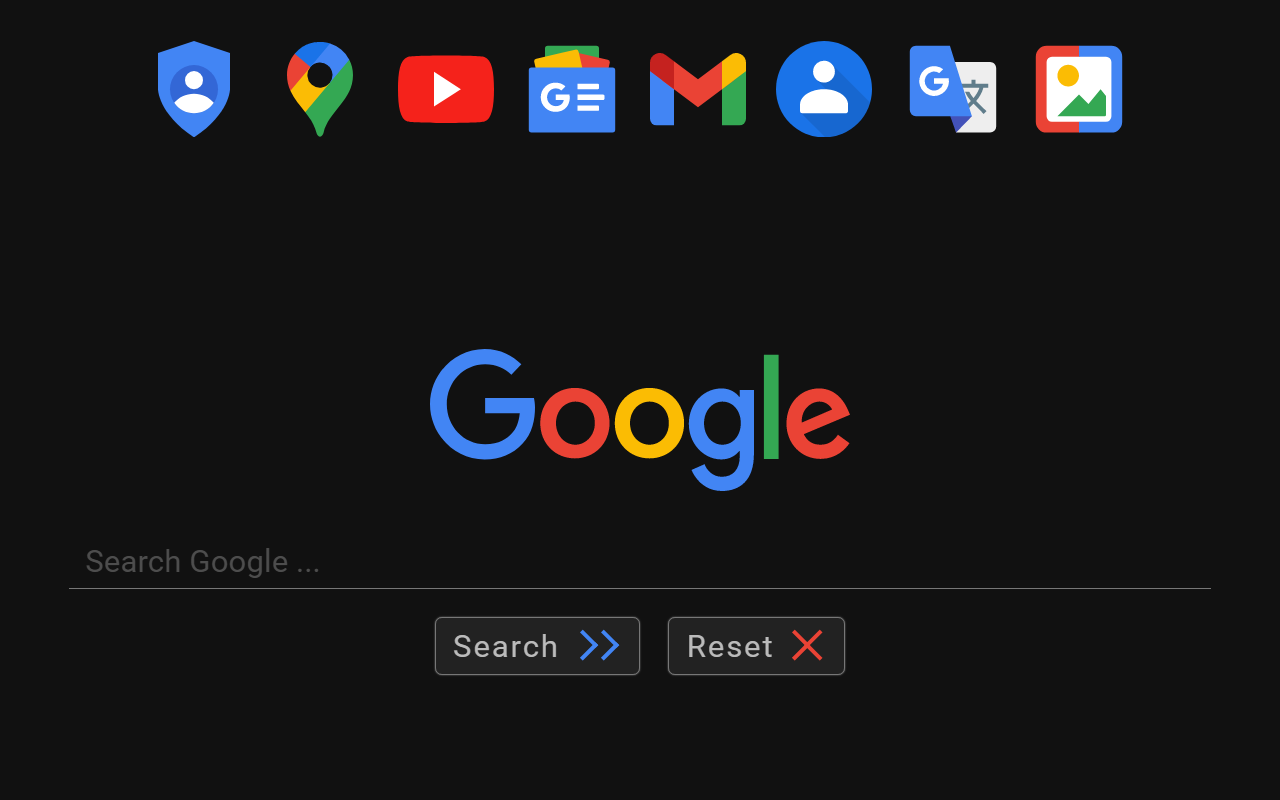
Customize New Tabs & More!
A multi purpose Edge extension that does all this & more:
- Set your Custom "Home Page" under Options, in this extension.
- Open that Custom Page in "New Tab" instead of the Home Page.
- Automatically force YouTube videos to play at high definition.
- Right click on an Image to perform a Reverse Image search.
- Right click after selecting a plain text URL to open as link.
- Double click on a plain text link to open URL in a new tab.
- Click icon (next to Menu) for a Cached version or Translation.
- Select some Website text, click Ctrl+Alt (Opt) for Translation.
- Ability to change/spoof the browser 'User Agent' when needed.
- Right-Click while holding Ctrl+Alt to remove a page element.
- History Navigation: Hold Right Mouse button, swipe left/right.
- Customize where new tabs open, and tab order when they close.
- Basic cookie management allows for export, import and wipes.
- Don't forget to check the Help section inside the Options page.
Security permissions that should be enabled for all the features:
"Allow access to file URLs" is required if opening local files as new tabs.
"Allow in private mode" has to be checked in order to work in incognito.
Latest reviews
- Mike
- Doesn't work at all. I get a blank New Tab.
- Twan
- I wanted to add about:blank as my custom url, but when I save it, it jumps back to the chrome extension address.
- James
- Would've given 5 starts but now they are asking for money.
- Honest
- Works great with EDGE. Now every time I open new Tab, this extension preserves my settings that I set on my home page. Also, unlike other similar extensions, this extension dose not slow down my system, it works great. Thank you to developer of this much needed add-on.
- Pepijn
- Does exactly what I need: a custom URL for my new tab's, Works out of the box, have not felt the need to experiment with the settings besides the URL
- Gabriel
- Works on most recent Edge (of August 2021)
- Paul
- Seems to work very well, and certainly far better than the default start page, which forces advertising icons that you delete but then come back again. Am pleased with this New Tab Start Page and surprised not more people have not gotten it.
- Nathaniel
- This does what I want it to do, it works really well with HTML files.
- Family
- I only wanted to change the URL for any new tab page. Is set this but it just reverts. There are zillions of other undescribed options that I did not ask for., far far too comlpicated.
- Holly
- The ONLY thing I wanted to do is make the new tab page be Google. This works, but now my default tabs on opening the browser also changed to just Google - I wanted to leave these as the ones I defined in settings. To get this working, I had to change my 'On start-up' setting to New Tab, then back to Specific Page or Pages, and now it works the way I wanted.
- Yves
- Beau et fonctionnel, remplace avantageusement la page par défaut de Edge. Et en plus nettoie les URL dans les recherches Google plus besoin d'une autre extension. Dommage qu'on ne puisse pas modifier et ajouter ses propres raccourci au bandeau.