Streaming enhanced Netflix Disney Prime Video
Extension Actions
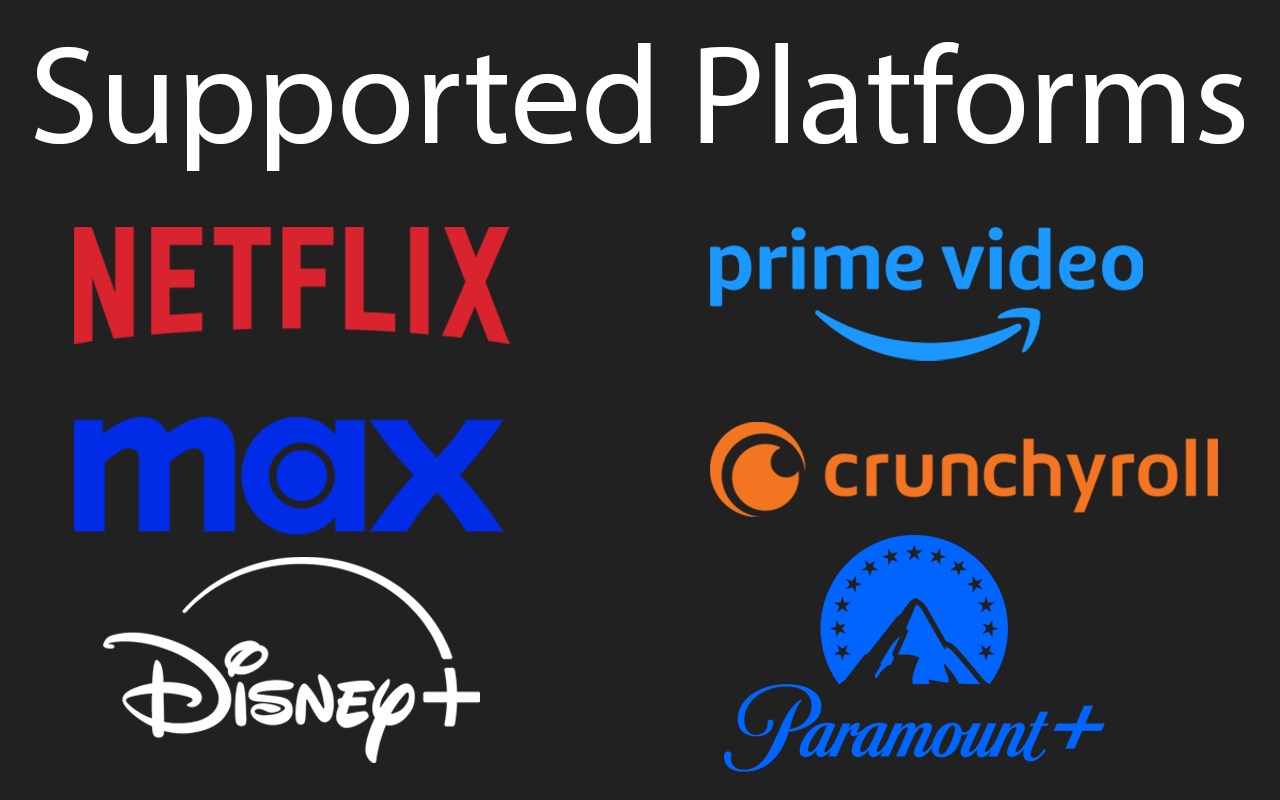
Skip ads, intros, credits and add adjust speed, etc. on Netflix, Prime video, Disney+, Crunchyroll and HBO max.
✨ Features
You can customize which features are enabled in the Settings.
This extension enhances your streaming experience by automatically:
• Block Ads
• Skipping Intros & Recaps
• Skipping Credits
• Displaying TMDB ratings for all shows
• Hide Movie button
• Adding customizable playback speed control (keyboard shortcuts: s, d)
• Automatically start to play videos in fullscreen
• Go fullscreen on double click
• Scroll to change the volume
Platform-Specific Features:
• Netflix:
• Remembers and selects your last-used profile automatically
• Blocks the “Are you still watching?” inactivity warning
• Remove games from Netflix
• Amazon Prime Video:
• Skips self-promotional ads (for Prime Video productions)
• Filters out paid content (movies, series) from the home page
• Moves the category "Continue" to the top of the page
• Hide the Xray Quick View over a video
• Removes the blur effect when hovering over videos
• Disney+ (Hotstar, STAR+):
• Skips self-promotional ads
• Crunchyroll:
• Remembers and selects your last-used profile automatically
• Adds filters to the release calendar, so it is useable
• Video size expanded to entire window
• Disable the numpad controls
Android Support in Desktop mode:
• Prime Video
• Disney+ (Hotstar, STAR+)
• Crunchyroll
• HBO Max
To use the extension on an Android phone, download Fire-fox.
Broken Features:
• At any time the websites can update their UI, which may break various features of the extension.
• If you encounter any issues, please report them on the Github issue tracker https://github.com/Dreamlinerm/Netflix-Prime-Auto-Skip/issues
• You can also write a review to report issues. Please avoid giving a bad rating, as I will always respond regardless of the rating, since I receive an E-mail.
• Since I am a single developer, I may not be able to fix issues immediately. Please be patient and I will do my best to resolve them as soon as possible.
☔ Safe & Open Source
This extension is open-source! Feel free to contribute or explore the code on Github https://github.com/Dreamlinerm/Netflix-Prime-Auto-Skip
💕 Enjoying Streaming enhanced?
If you'd like to support further development, you can buy me a coffee https://github.com/sponsors/Dreamlinerm
If you’re enjoying the enhanced streaming experience, please consider leaving a 5-star review!
Disclaimer
Netflix, Prime Video, Disney+ (Hotstar, STAR+), Crunchyroll and HBO max are trademarks and the author of this add-on is not affiliated with these companies.
Latest reviews
- Wei
- original i thought this plugin was draining the battery on my macbook. however i was wrong. something else in Edge drained the battery instead.
- Wei
- it's a good extension and does what it claims to do. however it drains the battery so fast. my macbook became so hot while watching netflix.
- Attilio
- fonctionne bien
- Raul
- Nice
- Marvin
- oh my God, Jesus blesses you guys!! So many years searching something that truly works 🙏. Thanks, working on prime without issues.
- Glenn
- THIS ACTUALLY WORKS!!!!! I just downloaded it and tried it on Netflix: SKIPS RECAP, SKIPS INTRO for One Piece. I am so friggin stoked! I dunno about Disney+ and such but I imagine its gonna be the same. So friggin dope I watch on my pc and I get so tired of getting up every 20 minutes to skip past recap/intros for anime, so this is like....Idk im super jazzed.
- Danusty
- this extension is great!