
Triple Search Modal Extension
Extension Actions
Quickly search Google, Bing, or in Incognito via a modal window with animations.
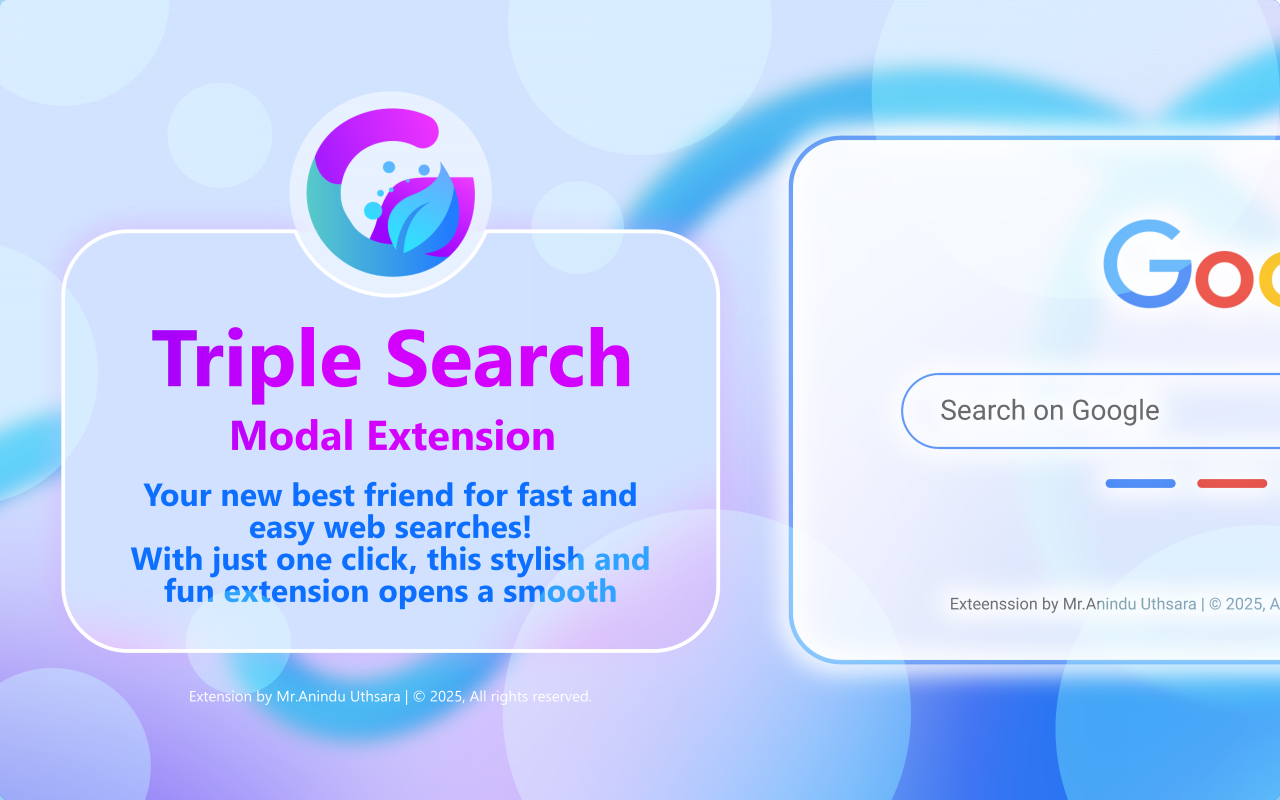
🚀 Triple Search Modal – Your new best friend for fast and easy web searches!
-------------------------------------------------
✅ Open Source – 100% transparent & safe 🛡️
✅ Free Forever – No ads, no trackers, just clean search 🧹
✅ Easy to Use – Click, type, boom – triple results! 🎯
✅ Privacy-Friendly – We don’t store your data ❌🕵️
✅ Fast & Lightweight – No bloat, just speed ⚡
-------------------------------------------------
With just one click, this stylish and fun extension opens a smooth, modern pop-up window where you can quickly search on Google, Bing, or even in Incognito mode — all without opening new tabs! 🌐✨
No more switching between search engines or worrying about privacy. Triple Search Modal makes it super simple to compare results or keep your searches private, all in one place. Whether you're a student, researcher, or just browsing for fun, it’s the perfect tool to make your web experience smarter, faster, and a little more fun! 💖
---------------------------------------------
Key Features:
🔴 Instantly search using Google, Bing, or Incognito mode
🔴 No extra tabs — everything happens in a neat little window
🔴 Clean and modern design with a cute, friendly vibe
Make your browsing smoother, smarter, and more private with Triple Search Modal. Start searching the fun way today! 🎉
---------------------------------------------
I am a student.
If you enjoy using the "Triple Search Modal Extension", please consider supporting me.
Go to the extension’s options page and click the donate button to help me out. Thank you!
----------------------------------------------
Instructions:
01. First, enable the "Allow in private" setting for the extension so the Incognito mode works correctly. Also, pin the extension to your toolbar for quick access.
02. Want to add a keyboard shortcut? Just right-click the extension icon, click "Manage extension", then go to "Keyboard shortcuts", find "Triple Modal Extension", and set your shortcut key.
----------------------------------------------
Version 0.2
Best regards,
Mr. Anindu Uthsara
Latest reviews
- L.A.K.
- This extension is like having a secret weapon for searching! 🔍 Need Google? Boom. Want Bing? Boom. Going incognito like a ninja? 🥷 Boom again. All in one slick panel! Makes switching search modes feel like magic. I highly recommend it for anyone who loves browsing smart and fast!
- CreativeLion
- This is one of the best extensions I’ve ever used for smooth and fast browsing. It really speeds up my online experience. If you're looking to make your browser faster and smarter, this is the perfect choice. I highly recommend it!