
X-Exporter - Export Twitter Followers
Extension Actions
Download X followers/following as CSV, Excel, or JSON. Easy data export—no coding required!
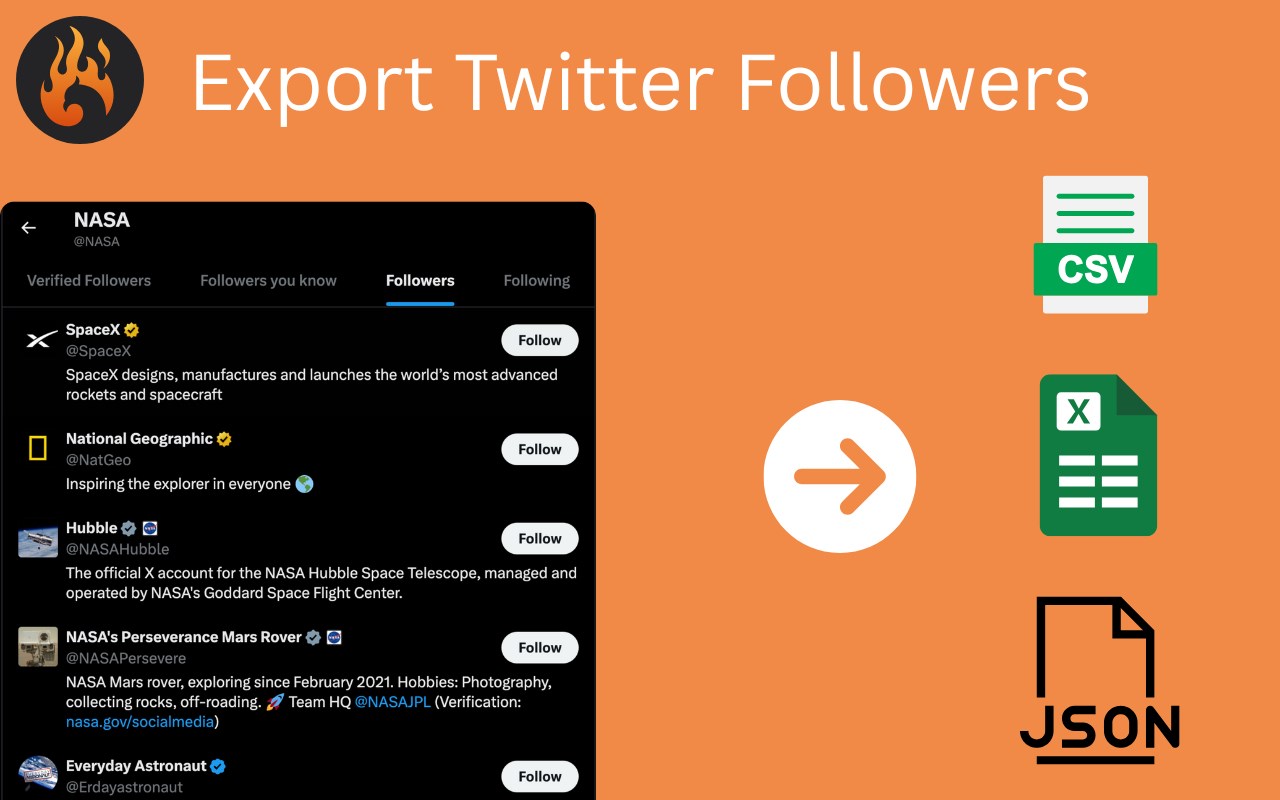
🚀 XExporter – Export Twitter (X) Followers & Following Instantly
Want to download your Twitter/X network data in seconds? Whether you’re a marketer, analyst, or just curious about your social connections, XExporter makes it super easy to export followers and following lists — no coding or technical skills required! 🔍📤
🧩 What Is XExporter?
XExporter is a powerful, lightweight extension that helps you extract your social graph from X (formerly Twitter). It lets you save detailed follower/following lists in multiple formats like CSV, Excel (XLSX), and JSON, so you can:
• 📊 Analyze user profiles
• 🔄 Back up your social connections
• 👥 Study competitor networks
• 📂 Manage your influencer lists or CRM
✨ Key Features
✅ One-Click Export – No more manual copying!
✅ Multiple File Formats – CSV, JSON, and Excel supported
✅ Automatic Folder Creation – Files organized by account name
✅ Rich Data Export – Includes full profile data:
• 🆔 Username & Display Name
• 🗓️ Account Creation Date
• 📍 Location
• 🧾 Bio
• 📉 Followers & Following Count
• ✅ Verified Status
✅ Fast & Lightweight – Runs quickly in your browser
✅ No Login Required – Export any public account
✅ No Coding Needed – Built for everyone!
🛠️ How to Use XExporter
Getting started is a breeze! 🌬️
Just follow these simple steps:
1️⃣ Enter a Username
Open the extension and enter any public @username (e.g. @elonmusk).
2️⃣ Or Click the Export Button
Navigate to a profile page on X and click the download icon that appears.
3️⃣ Hit Export
Choose your format (CSV/JSON/XLSX), and the file is auto-downloaded to your device.
🗂️ The downloaded file will be saved in a neatly organized folder labeled by the account name.
💡 Use Cases
🔍 Market Research – Understand your competitors’ network
📊 Data Analysis – Import into Excel, Sheets, or BI tools
📇 Lead Generation – Export lists for outreach
🧠 Content Strategy – Analyze audience demographics
📥 Personal Backups – Keep a snapshot of your social graph
💎 Go Pro – Unlock Unlimited Exports
Upgrade to Pro for just $9.9 and get access to:
• 🔓 Unlimited followers/following exports
• 🛠️ Priority support
🔐 Privacy & Security
Your data stays 100% on your local device.
🛡️ No info is stored, tracked, or sent to our servers.
We don’t even ask for sign-in. Your security is our priority.
⚠️ Disclaimer
This extension is independently developed by independent developer and is not affiliated with or endorsed by X (Twitter).
⭐ Why XExporter?
With millions of users relying on Twitter/X for networking and growth, being able to download your connections is essential. Whether you’re analyzing trends or archiving your profile before making a switch, XExporter gives you the power to own your data.
👉 Try XExporter Today – Your X network, your data, your way!
📥 Download now and take control of your social connections.