
Schedule Email by cloudHQ
Extension Actions
Schedule your email to send at a later date and time
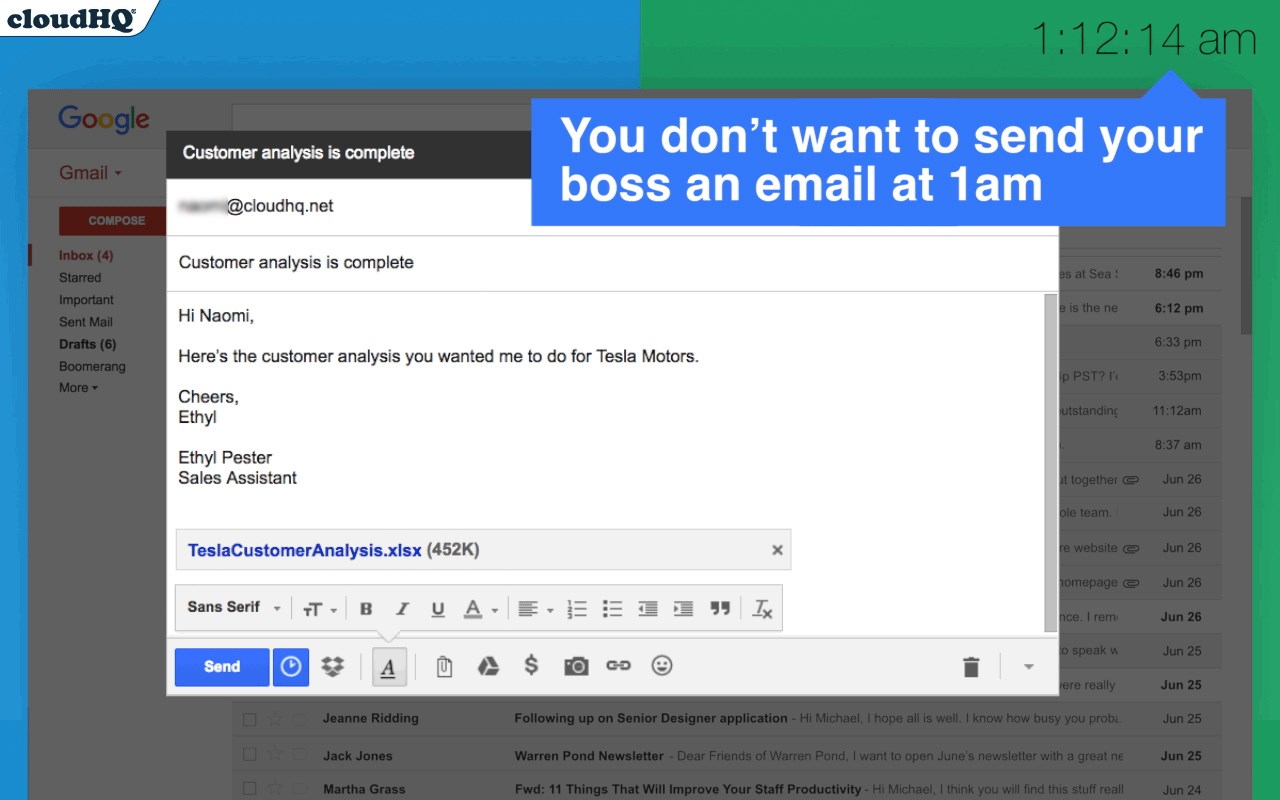
When you find yourself in a situation where you need to send an important email to your client or your boss, but it's already 1 o’clock in the morning and you’re concerned about the timing, there's a simple solution to your problem. You don’t need to stress or stay awake any longer. Instead, you can take advantage of the scheduling feature available in most email platforms. This feature allows you to compose your email now and set it to be sent automatically at a more appropriate time, such as first thing in the morning. This way, while you catch up on your much-needed beauty sleep, your email will be sent at a time that is more likely to be seen and appreciated by the recipient. It ensures that you maintain professional communication without disrupting your rest or their schedule.
cloudHQ. Helping your productivity, 1 click at a time.
App website: https://www.schedule-email.com/
cloudHQ website: https://www.cloudhq.net
Pricing: https://www.schedule-email.com/pricing
Support page: https://support.cloudhq.net/category/browser-extensions/schedule-email/
Blog: https://blog.cloudhq.net
Gmail, Google Calendar, and Google Workspace are trademarks of Google LLC. Use of these trademarks is subject to Google Permissions.
Latest reviews
- Eliza
- The thread splitting feature is underrated. Had a massive email chain where three different projects were being discussed in one thread. Renamed them into seperate subjects and now everything is way easier to track.
- Favour
- Really helpful during busy seasons. Tax season I'm working at all hours and need to send stuff to clients but dont want them thinking I'm chaotic. Scheduling the emails for normal business hours keeps things looking put together.
- hart
- Big fan. Used to set phone alarms to remind myself to send important emails at the right time. That was dumb. This is so much better.
- Rosline
- Our manager told us to stop sending emails after 6pm because it was stressing people out. This lets me work whenever I want without bothering anyone. Write it at 11pm, schedule for 9am, everyone's happy.
- femi
- This has been great for working across time zones. Half my team is in Europe and half is in the US. Now I can write emails at whatever hour works for me and schedule them to land during their morning.
- Ruby
- Perfect for night owls. I do my best thinking at like 1am but I dont want clients seeing timestamps from the middle of the night. Write it up, schedule it for 8am, and it goes out looking totally professional.