
Dark PDF Reader
Extension Actions
An Edge extension to enable dark mode for PDF documents.
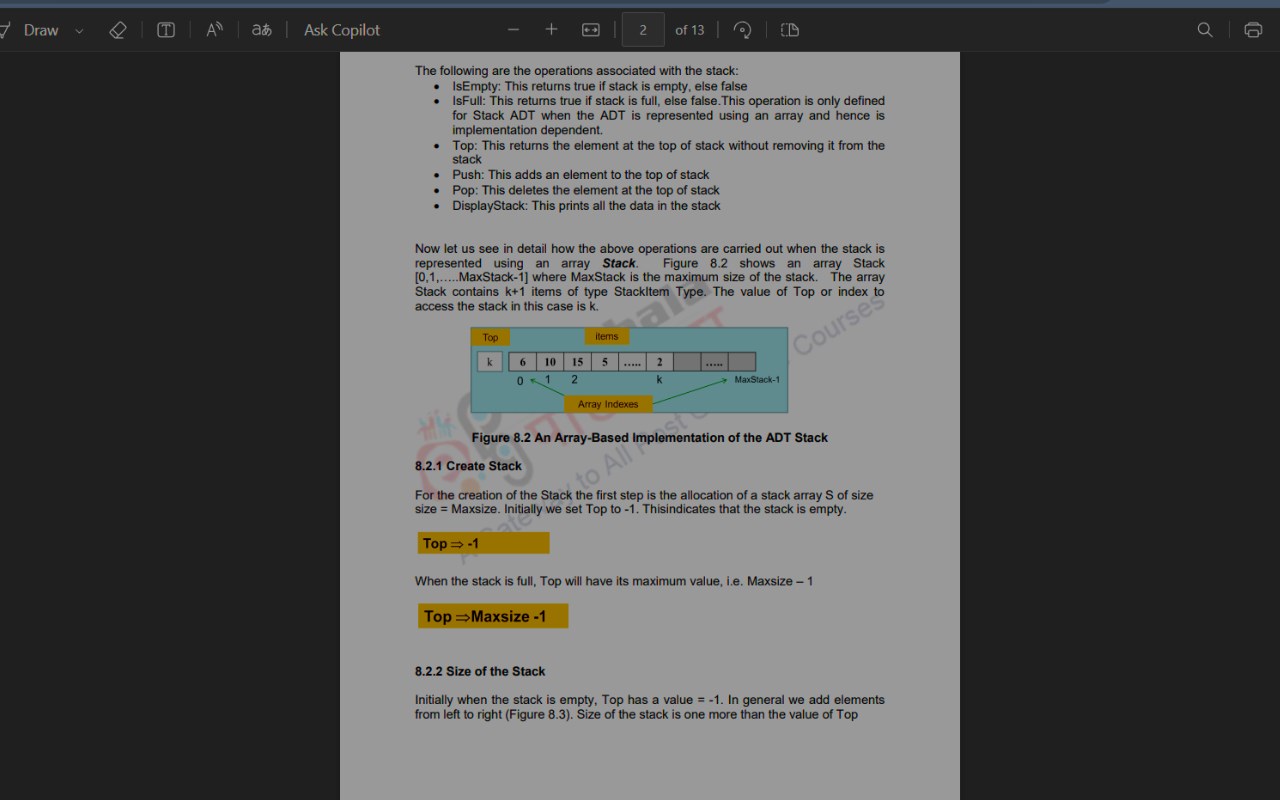
Simple yet powerful – Dark PDF Reader is an essential Edge extension for anyone who prefers reading PDFs in dark mode. Whether you’re working late at night or just want to reduce eye strain, this extension offers a seamless and customizable dark mode experience for all your PDF documents.
Features:
Easy Toggle: Switch dark mode on or off with a single click.
Multiple Dark Modes: Choose from several dark mode styles to find the one that suits you best.
Automatic Detection: Automatically applies dark mode to all PDF documents viewed in the browser.
Customizable: Select your preferred dark mode style directly from the extension popup.
User-Friendly Interface: Simple and intuitive design for a smooth user experience.
No Data Collection: Your privacy is our priority. This extension does not collect any personal data.
Enhance your reading experience and protect your eyes with Dark PDF Reader. Download now and enjoy a more comfortable way to read PDFs on Microsoft Edge.
Developed by Harsh Pratap Singh
Latest reviews
- JOSUE
- Well, i dont know wether if this is free or not.
- Mahesh
- Working good at its best
- Mark
- Works pretty well! Page gets dark, and is still readable, even with multiple options. Only 2 improvements: also have the background (behind the page) dark as well, and automatically show pdf in dark mode (instead of having to access the extension every time).
- Bruno
- Finally a PDF extension that you can customize and provides good alternatives to just inverting the hue and colors. Very good extension, thanks for the devs!
- Nicholas
- just what i was looking for .amazing
- Ankit
- working at its best... thank you
- ashish
- Amazing add-on. PDF reading experience is now very good. All filters are amazing especially Filter 7, it feels like an ink display.
- Dunn
- Works as intended.
- Carlos
- So far the best I´ve tried, but it needs a mode where it only changes the color of the page of the pdf and not the outside.