Mokku: Mock API calls seamlessly
Extension Actions
Adds the API mocker Mokku to Dev Tools for seamless integration & testing.
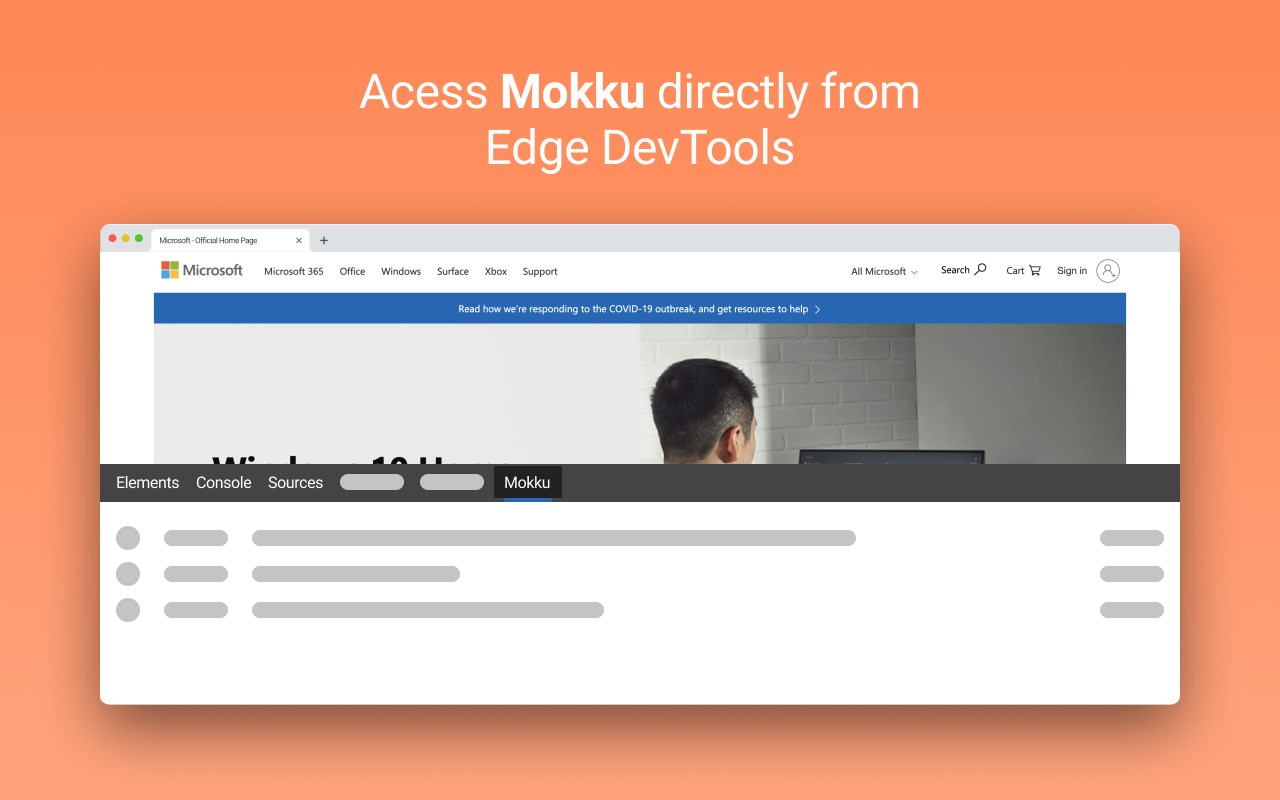
Mokku helps user by mocking API and changing their response, response time and status, user can try all test case scenario like long loading time, error states, or any missing or incorrect data.
Mokku adds itself as a tab in dev tools as a panel. In the tab, user can see network logs and mocks. Any network call from the logs can be mocked by simply clicking mock button then the response can be edited. User can also search for logs. Mock can also be created from scratch from creating the mock button.
All URL's are accessible but Mokku doesn't inject scripts into any pages apart from which are served locally and accessed using 'http://localhost*' until enabled from the Panel.
Collections & Dynamic mock generators coming soon!
You can submit issues, bugs or feature request at https://github.com/mukuljainx/mokku/issues
Latest reviews
- Ferran
- Funciona muy bien y al integrarse con las DevTools facilita la vida.
- William
- Mokku not available on this url.
- Frank
- It is simple, anyway it would be good to handle from request matching such as if header, payload contain, then do action. In other word, it should support modified graphQL too.
- [email protected]
- Machaenge 🤘🏻
- [email protected]
- Hello, I'm a web developer. I just want to tell you, your add-on break my site. This is the error: inject.js:1 Uncaught (in promise) DOMException: Failed to execute 'postMessage' on 'Window': URLSearchParams object could not be cloned. at c (chrome-extension://ekcbmjnnnphonejedibidifflhljbobc/js/inject.js:1:1360) Please fix this.