TruckBooks Extension
Extension Actions
CRX ID
ekeegahhohildeijbggofkgoenbhcfkf
Status
- No Privacy Policy
- Live on Store
Description from extension meta
This extension allow create deliveries on trucksbook.eu for all drivers in your company with one click. Tutorial: 1- Go to dispatch…
Image from store
Description from store
This extension allow create deliveries on trucksbook.eu for all drivers in your company with one click.
Tutorial:
1- Go to dispatch page;
2- Click in add delivery for any driver;
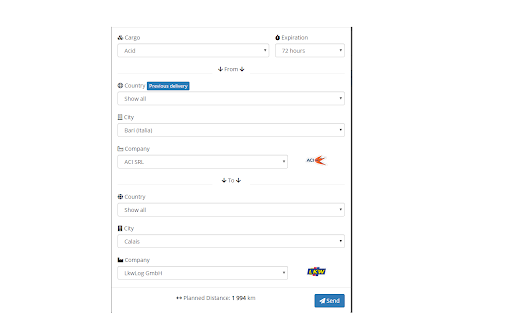
3- Configure your delivery with all required options;
4- Instead of you click in "Send" button, click in icon of this extension (in right of address bar)
5- It will simulate a process of creation for each driver.
Detail: this extension simulate a left click with ctrl in button send, so, when you click in this extension, it will open a new tab for each driver.
Open-source: https://github.com/delanohelio/trucksbookextension