
Kavkom Click2Call
Extension Actions
CRX ID
epfenpmnngonckanfoaehlnepjbjlmaa
Description from extension meta
Searches for a phone numbers on web pages, allows to make calls by one click for logged in Kavkom Cloud PBX phone system users.
Image from store
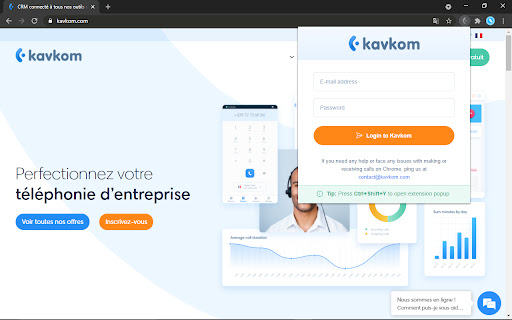
Description from store
Thanks to the Kavkom Click2Call extension our Cloud Telephony Phone System users can save time when there's a need to dial up telephone number being displayed on Web page.
Fully compatible with most of popular CRM systems (SugarCRM, Zoho, Salesforces, Bitrix, Vtiger, Microsoft Dynamics and others) as well as regular websites.
How to use:
1) Install extension.
2) Login with your Kavkom PBX Cloud Telephony user credentials
3) Click on the dial button near the phone number at desired WEB page, or highlight number by dragging with mouse crosshair and press "call:" item at the right click context menu
Latest reviews
- Mateusz Haras
- Works well. Simple and helpful.
- Mateusz Haras
- Works well. Simple and helpful.
- vadim radion
- Excellent extension
- vadim radion
- Excellent extension
- Eugene Syrotiuk
- Perfect
- Eugene Syrotiuk
- Perfect