
Copy Css Selector
Extension Actions
CRX ID
faibodahccegppdhdfllkcjenimlapdf
Description from extension meta
Extends the Developer Tools and context menu, adding a sidebar that displays the css path of DOM element.
Image from store
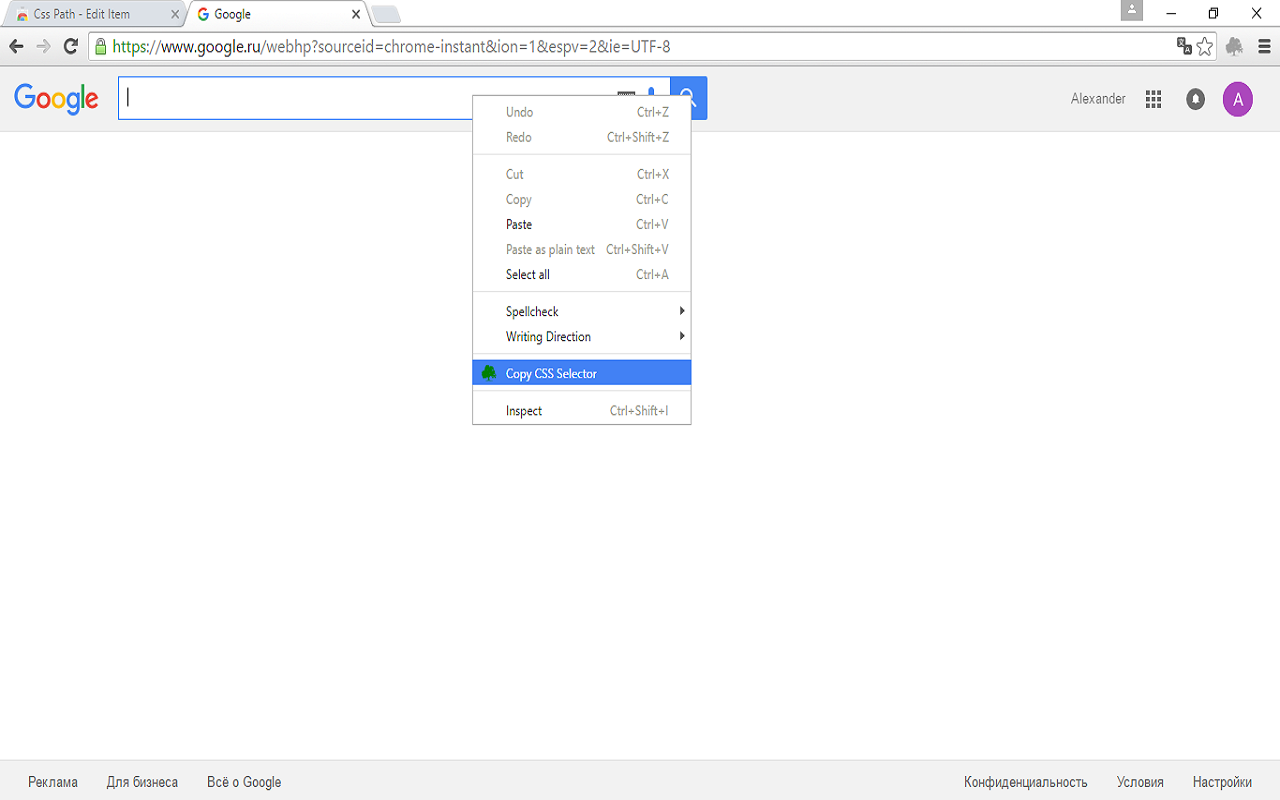
Description from store
Find the unique selector for any element on page.
It will find an optimal selector that’s unique to the element selected. Right click on the element with mouse and select Copy Css Selector menu item into buffer, so you can past copied selector to any text editor.
Very useful for quickly getting selector for any element for testing frameworks like as Selenium.