
Distraction blocker
Extension Actions
CRX ID
fbfofhjejhibcepcojipjofcocpongnd
Status
- Extension status: Featured
Description from extension meta
Block access to sites that are negatively consuming your life
Image from store
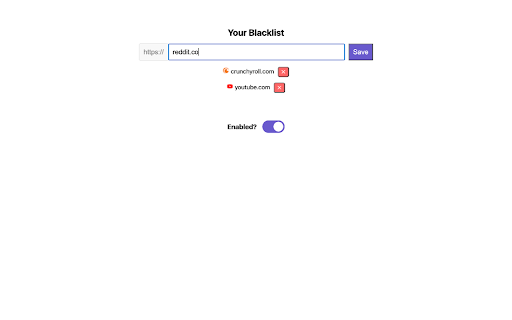
Description from store
Distraction Blocker is a Chrome Extension that "blocks" specified sites by closing their browser tabs whenever they are entered into your browser. This mini-project was built after I stayed up until 4am watching YouTube reels...
*** IMPORTANT ***
- Enable Distraction blocker in your browser. Click on the Distraction blocker icon > Options and formulate your web blacklist there.
- On your browser go to Extensions > Manage Extensions > Distraction blocker > Details and turn on Allow in Incognito so you can't cheat around the blocker.
Latest reviews
- XunJae
- Saved my crumbling life!
- XunJae
- Saved my crumbling life!