
SecureSafe Password Manager
Extension Actions
Use the SecureSafe password manager to keep track of your ever-growing list of passwords.
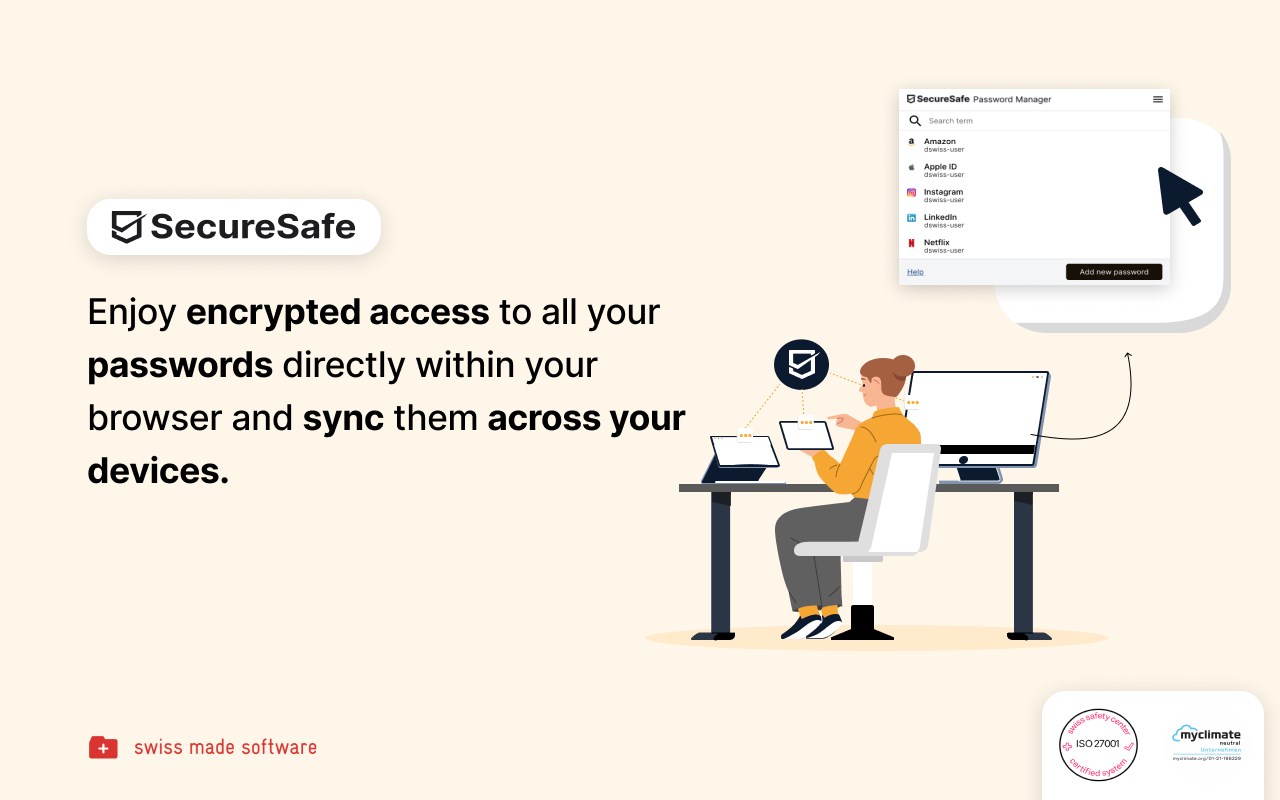
Password management directly from your browser
With the SecureSafe Browser Extension, you can log into websites, online stores or web applications directly from your browser.
How do I log in to the SecureSafe Password Manager from my browser?
Open the SecureSafe password manager by clicking on the SecureSafe icon in the top right-hand corner of the browser bar. Now log in with your SecureSafe username and password. If you do not yet have a SecureSafe account, you can register for free via our web or mobile app.
How can I automatically insert passwords in the login field?
Search for the password entry using the search field. Select the desired password entry with the mouse and click on the "Fill in" button to automatically populate the login fields.
Latest reviews
- Daniel
- Nice and easy to use