Local Media Player Pro
Extension Actions
Advanced local audio/video player as a Chrome extension page (MV3).
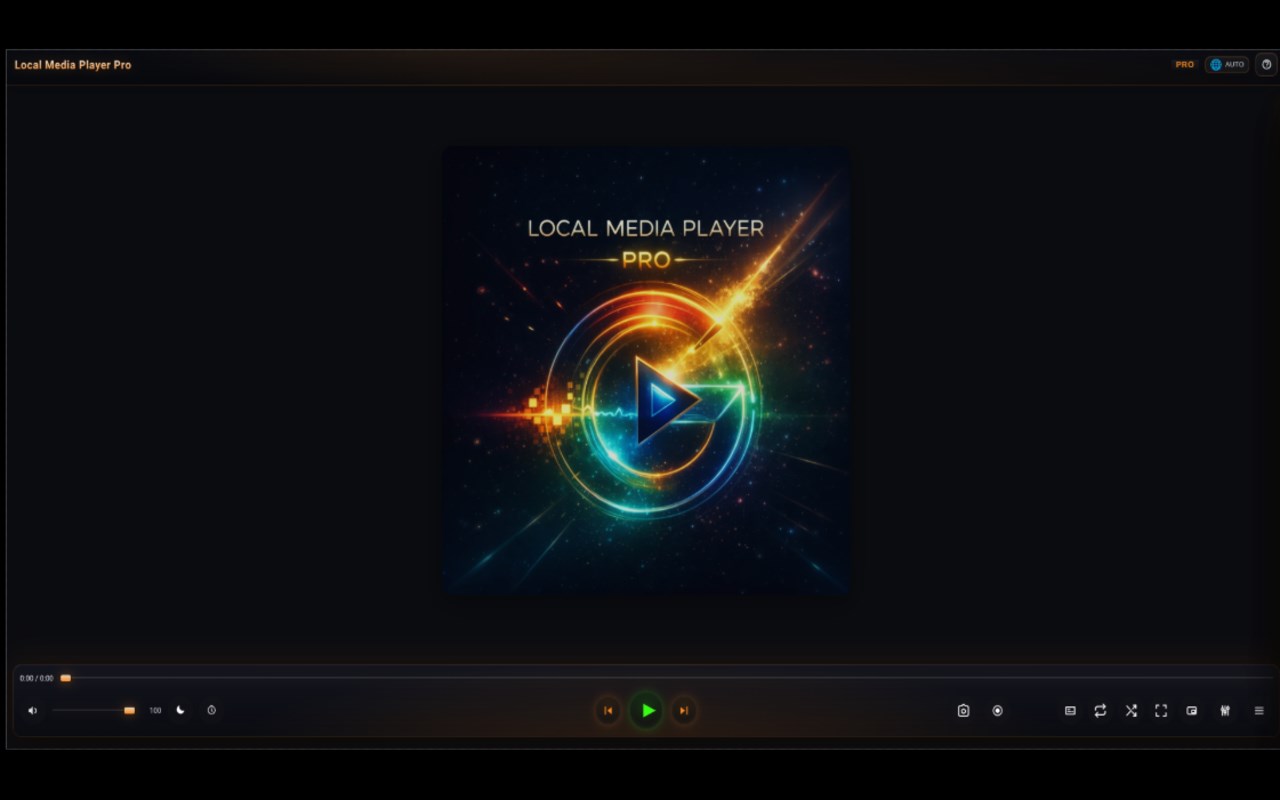
🎧 Local Media Player Pro — a private local player for your files
Local Media Player Pro is a modern local audio and video player for the browser, designed for comfortable viewing and listening without the cloud, without tracking, and without unnecessary clutter.
It opens your local files directly and gives you a convenient set of tools for video, audio, subtitles, notes, and playback control — all in one clean interface.
Why install it
This player is for people who want more than just opening a file. It gives you a practical and well-designed tool for everyday use: watching videos, listening to music, working with subtitles, taking timeline notes, saving important moments, and fine-tuning sound and picture.
Everything works locally with your own files. No cloud uploads. No online services. No unnecessary distractions.
Main features
Local playback
open local audio and video files
fully offline operation
playlist with saved queue and file-related data
Comfortable viewing and listening
convenient HUD interface
seeking, repeat, A-B loop, seamless audio
playback timer
Night Mode for more comfortable sound in the evening and at night
Subtitles
support for external subtitles
subtitle delay adjustment
subtitles continue to work in PiP mode
Picture-in-Picture
separate PiP window for convenient viewing
minimalist mode without visual clutter
Notes and markers
create notes on the timeline
quickly jump to important moments
save notes together with the file and playlist
export notes to a file
Screenshots and recording
create PNG screenshots
capture a selected area
record video or audio fragments
Audio and video settings
equalizer and preamp
balance, normalization, pitch correction, audio delay
brightness, contrast, saturation, rotation, and mirror
video display modes: fit, fill, stretch, and others
What makes it different
Local Media Player Pro focuses on your own local files, not streaming services.
It is a convenient private player for people who value control, a clean interface, and useful features without overload.
It works especially well for:
watching local movies and video archives
listening to music and audio files
working with subtitles
taking notes on lectures, interviews, podcasts, and study materials
creating quick screenshots and recording useful fragments
using a comfortable media player directly in the browser
Extra
The player also works well together with built-in browser tools when working with local content, including object search on screen through Google Lens.