
Web Messenger for WhatsApp
Extension Delisted
This extension is no longer available in the official store. Delisted on 2026-01-23.
Extension Actions
- Unpublished Long Ago
Launching WhatsApp web messenger from your browser
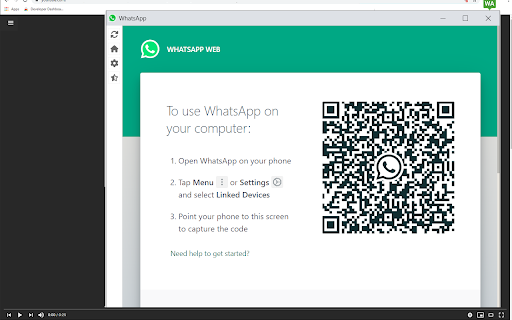
Ever wanted to have access to your Whatsapp Messenger while you're on the computer?
Tired of checking your phone for messages/updates every 5-10 minutes while you need to be focused on work/studying?
You can keep access to your Whatsapp messages once you install this software.
Please note due to the way Whatsapp and Google Chrome works, to see new messages appear, the Whatsapp window/tab on your browser should be
open by clicking on the extension icon to ensure you see the text messages on your computer.
This is a simple way to use whatsapp web on your computer. Dont rely on your phone and use our solution to have Whatsapp on your desktop.
This software is made by an independent team and is NOT affiliated with Whatsapp. Please note this is an unofficial extension and made by
independent developers.
Latest reviews
- Robin Daboín
- EXCELENTE
- Carlos Batista
- funciona....