
CRX id
fobiiaceiicjldmnjjkakaoahpamblib
fobiiaceiicjldmnjjkakaoahpamblib
Description from extension meta
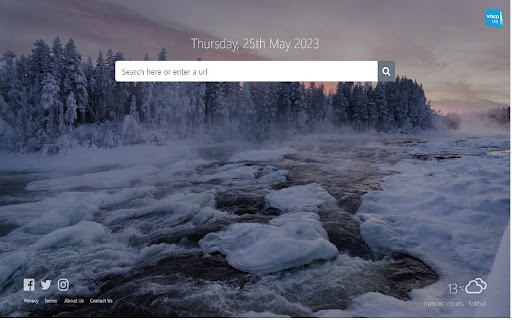
Beautiful new tab page with weather feature
Image from store
Description from store
Beautiful and Resourceful New Tab Page
Voco New Tab has the ability to transform your browser page and make it look appealing with lovely background images with weather feature.
Our simple to use search bar will enable you to find whatever you are looking for and more from the internet.
The search experience within Voco New Tab is provided by Microsoft Bing.
Smartclick Marketing Limited owns and operates Voco New Tab.
By clicking "Add to Chrome", I accept and agree to installing Voco Tab New Tab extension and setting Chrome™ New Tab search provider to Microsoft Bing as described by the service in the Terms of Use: https://www.voconewtab.com/terms-condition.html and Policy: https://www.voconewtab.com/privacy-policy.html
To remove the extension from Google Chrome™:
1) Click on the three vertical dots icon in the upper right-hand corner of your Chrome™ browser.
2) Go to "Settings.”
3) In the left menu that appears, click on "Extensions.”
4) From the list of installed Extensions, locate the extension you would like to uninstall.