


WebLock - Lock Your Websites. Protect Your Privacy.
Extension Actions
WebLock protects browsing with passwords and smart blocking—secure tabs, cut distractions, stay in control on shared devices.
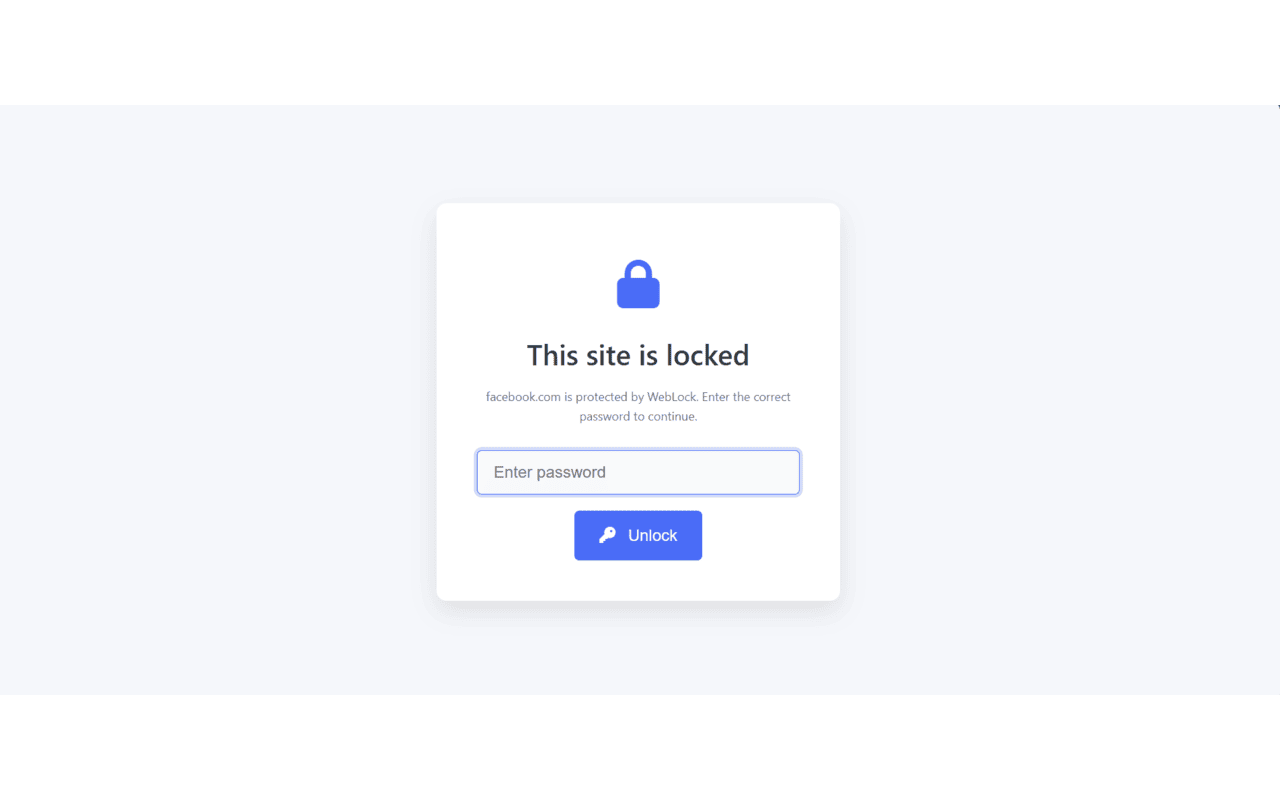
WebLock is a lightweight and powerful Edge extension that allows you to lock any website behind a password. Whether you're trying to protect sensitive content, reduce distractions, or improve focus during work or study, this extension gives you full control over your browsing experience.
✅ Key Features:
🔐 Password-protect specific websites
⏱️ Quick setup – no complicated configuration required
🧠 Improve focus by blocking distracting sites like YouTube, Facebook, and more
🧒 Parental control friendly – restrict sites for children
💻 Works offline – no data is sent to any server
🔒 Privacy-first – all settings stored securely in your browser
🧠 Who It's For:
Students and freelancers looking to stay focused
Parents who want to control access to specific websites
Privacy-conscious users who want more control over their browsing
🔧 How It Works:
Install the extension
Set a password
Add the websites you want to lock
Done! The extension will prevent access until the correct password is entered