
Spider Sense
Extension Actions
Spider Sense helps Spider developers working with Scrapy Cloud monitor jobs.
# Spider-Sense
A browser extension to monitor your spiders deployed on Scrapy Cloud.
## How to install this extension from source?
- Clone the repository
- Open `about:debugging` on Firefox, click on `This Firefox` and select `Load Temporary Add-on...`
or open `chrome://extensions/` on Chrome, enable `Developer mode` and select `Load unpacked`
- Select `manifest.json` file present in this repository
- You'll see a black 'Bolt' icon on the Extension/Add-on bar of respective browser
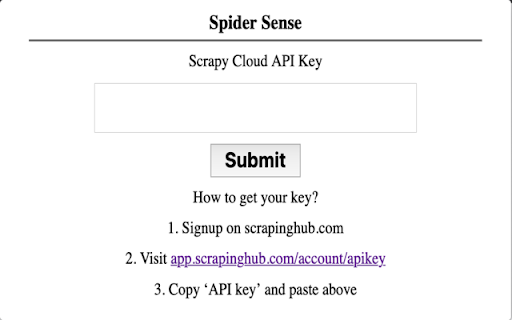
- Click on the icon to enable the popup and follow instructions
> Please create issue if you find some, hope this extension helps your workflow :) - [Shashank](https://github.com/realslimshanky/)