
(ALT)Capturables - All You Need Is Capture
Extension Actions
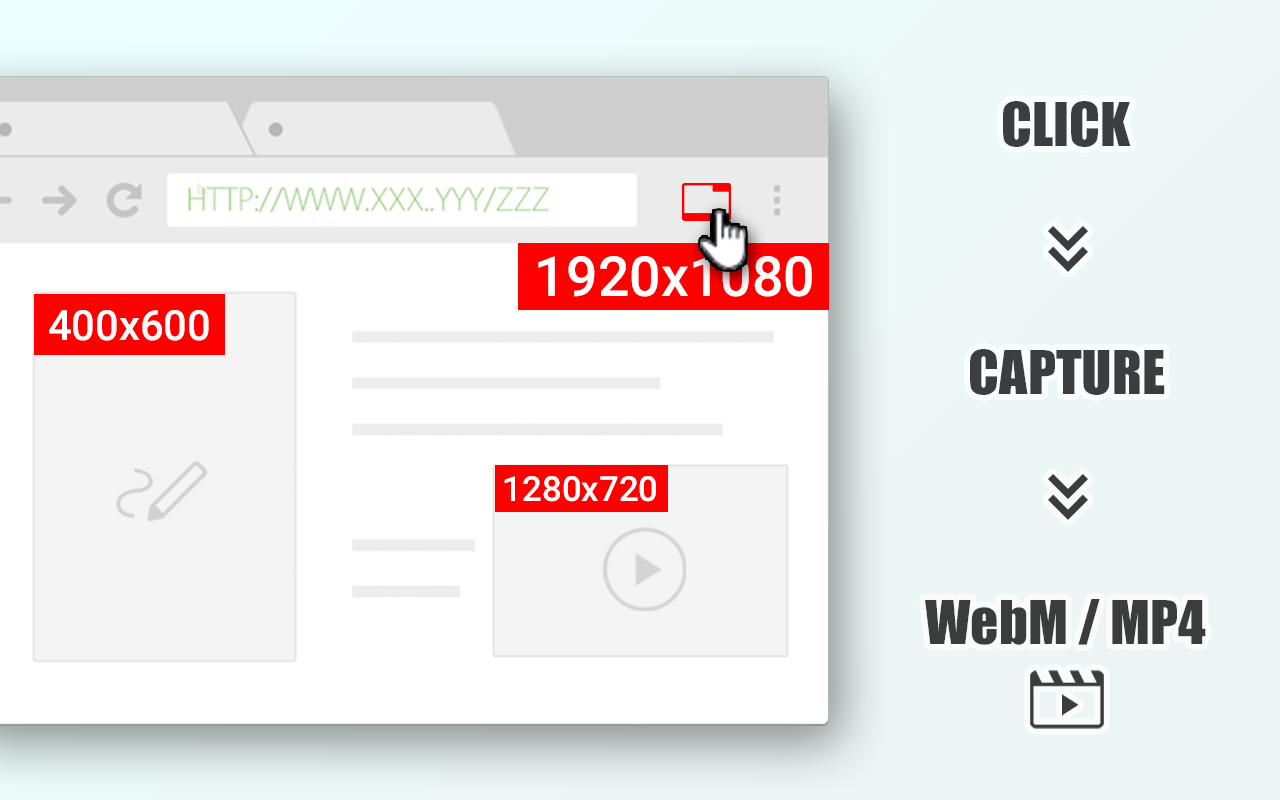
Capture the content on the tab in a various methods and save as video.
#### Note ####
This is not a downloader.
It also cannot capture screens as image files.
Capture any content on a tab, taking full advantage of the latest features available in the browser.
Captures can be of entire tabs, video elements, canvas elements, media sources, entire windows, and entire screens.
Very intuitive and simple to use.
All capture results are saved as "video files".
Screen capture consumes significant CPU resources depending on resolution and quality to encode the video internally.
Depending on your PC environment, the frame rate may be reduced, or frames may drop if the processing is not completed in time.
In most cases, video and audio quality will be degraded because the video is not downloaded, but only captured and saved.
Please note that this extension is not responsible for the content of any media you captured.
We recommend ensuring the copyright and permissions of the media before capturing.
Please be sure to use the latest version of your browser; we cannot promise availability on the Canary version.
Latest reviews
- Magnus
- It records live video streams via a web browser API, without interfering with the stream and without using the screen. You can run the player in a small window and Alt Capturables still records the full stream. Many stream recorders don't support VP9 which is used for a lot of high-resolution streams in Youtube. Alt Capturables records these very well, also on old computers. It can even record 4K streams on computers that don't have a 4K screen, just select this resolution in the player. For the best result, just start the extension and directly pick the red "1920x1080.MS" or "3840x2160.MS" stream that appears. The quality settings don't apply for "MS" streams, you get the full stream. Always keep the player on top. Place the status window beside the player window or on a separate screen. When the stream has ended, go to the status window, press Stop, then Save. I use a "keep the video, keep the audio" conversion profile in VLC to copy the MP4 file to MKV that plays also on my TV.
- Mạnh
- This extension can even work on some sites that other capture extensions simply can't, along with other cool features 💯 The developers are awesome 🥇 and I hope this extension doesn't just stop at experimentation but can be developed and maintained 🔥
- kubilay
- You say "not downloader" but why operation takes place on your server instead offline?