
Digital Signature for PDF Files
Extension Actions
CRX ID
ghfegolgpekecniebbodmgmgopfhjlol
Description from extension meta
Create beautiful signature with ease and optionally put in a PDF file.
Image from store
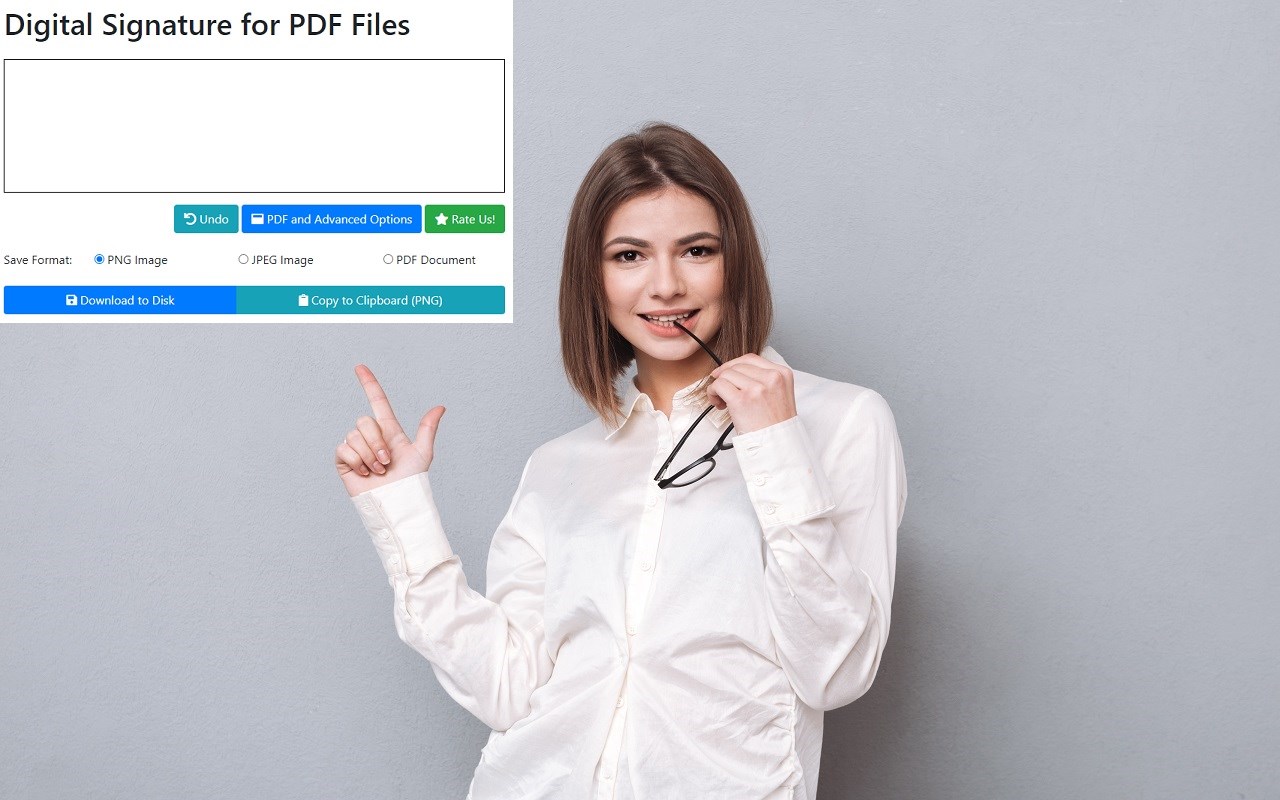
Description from store
Do you need a quick and easy method to sign a PDF document? Look no further. You can sign PDF files
quickly by installing our extension today. Here is what you need to get started signing your PDF files with a digital signature.
This software is 100% free and allows you to create an electronic signature for your PDF file.
Install our PDF Signature extension
Click on our extension icon
Create your e signature by signing with your mouse
Choose which PDF file you wish to sign
Choose the position of your digital signature
Its that easy to create a digital signature online for your PDF File. Sign your PDF Files today for free!
Latest reviews
- Sui-Ping
- SP
- Oliver
- Totally useless. Tells you to click on the toolbar icon to use but there is no icon!!
- Marzanne
- No option to upload signature image.
- michael
- First of all, in order to get my existing scanned signature I apparently have to convert it to PDF. WHY?! Second, once I have got it into the extension, I can't figure out how to apply it to the PDF. I am so CROSS right now, first of all, Edge should have this functionality BY DEFAULT. Since it does not, anybody trying to be helpful and add an extension to do so should actually make it so it PERFORMS THE ADVERSTISED FUNCTIONALITY. Thank you.
- Jamie
- Useless - literally.
- Tristan
- Can't insert e-signature efficiently.
- Rickkee
- Cannot digitally sign with a certificate. This is just another way to add or create a .jpg signature. Not for me.
- Sam
- Be better.
- Keith
- Utterly useless
- Paul
- Does not work with the latest Edge version.
- ahmad
- ext to draw and save to local PC... not to include in doc, or sign the actual pdf.
- Robert
- Could import and/or generate a signature but there's no way to add it to the PDF.
- Jennine
- same as Colin. Could not add it to pdf
- Colin
- had no way to add signature to pdf
- Antonijo
- was ist das bitte für ein Drecksprogramm? Nutzlos
- roger
- Got it to work, but it doesnt seem to matter where you set the line widths it still comes out like a 2 year old with a crayon - unusable.
- Quintero,
- Horrible. Can't create a legible signature by just using fonts and typing it out. Waste of time.
- Vince
- Absolutely useless. I expect no less from MS. First hijack the document so you can't sign with Adobe, which actually works.
- matthew
- literally no idea how to get a signature on a PDF with this add-on
- Paula
- Not much chop as it's almost impossible to do a decent signature on the touch pad and there's no alternative to include a typed signature as in other apps.
- Sérgio
- A idéia é até boa, mas a execução muito falha. Quando resolverem os problemas abaixo re-instalo a extensão. 1 - Você assina no preview e ao salvar o pdf a assinatura muda de lugar. 2 - Por mais que você diminua a espessura da assinatura para 0,1 ela continua grossa.