
Saved Bulk URL Opener
Extension Actions
CRX ID
gifahjgneondnlmdengkndgohjndmagh
Description from extension meta
Open Saved multiple URLs at once
Image from store
Description from store
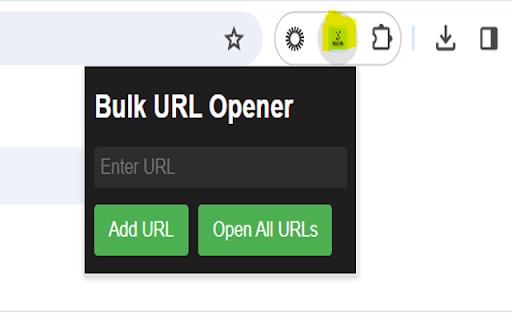
"Saved Bulk URL Opener" is a versatile browser extension designed to streamline the process of opening multiple URLs simultaneously. With Bulk URL Opener, users can effortlessly open a large number of URLs in new tabs with just a few clicks, saving time and effort. Whether you're a researcher, marketer, or simply a frequent browser user, Bulk URL Opener empowers you to efficiently manage and access multiple web pages at once.
Use Option page (right click on extension) to open Individual saved URL / delete the saved URL.
To save URL just input the URL and click on "Add URL" button. It will get saved and you can view it in options page.