
Readlax: Reader View with Phrase Highlighting
Extension Actions
CRX ID
gjkkakgkdfifllkgglckmbjepllkppfg
Description from extension meta
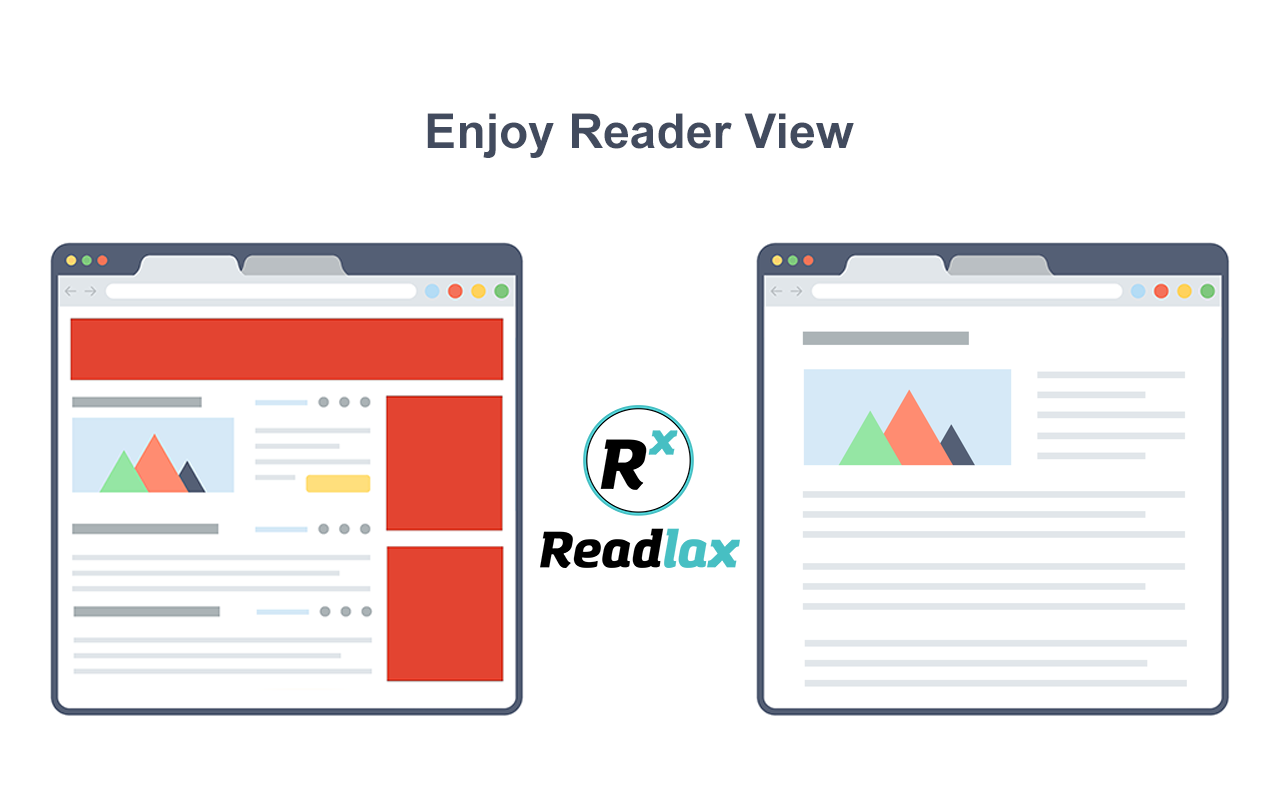
Clean websites from sidebars and ads, read with phrase highlighting.
Image from store
Description from store
Phrase Highlighting for Speed Reading - Read Faster Immediately.
The "Readlax Reader" removes ads and distractions, leaving only text and images for a clean reading view.
How to use "Readlax Reader":
- Install Readlax Edge Extension.
- Click "Readlax Reader" on the popup or context menu.
Features:
- Remove distraction
- Remove advertisements
- Phrase highlighting
- Speed reading training
Latest reviews
- Anastasiia
- Good add-on for Edge, I'm using it every day for reading news.
- Oleksandr
- Great add-on for reading news and blogs. Cool function of phrase highlighting, it helps read faster and focus more what you're reading.