
SwiftRead - read faster, learn more
Extension Actions
- Extension status: Featured
Read three times faster, with SwiftRead. Absorb knowledge and learn more.
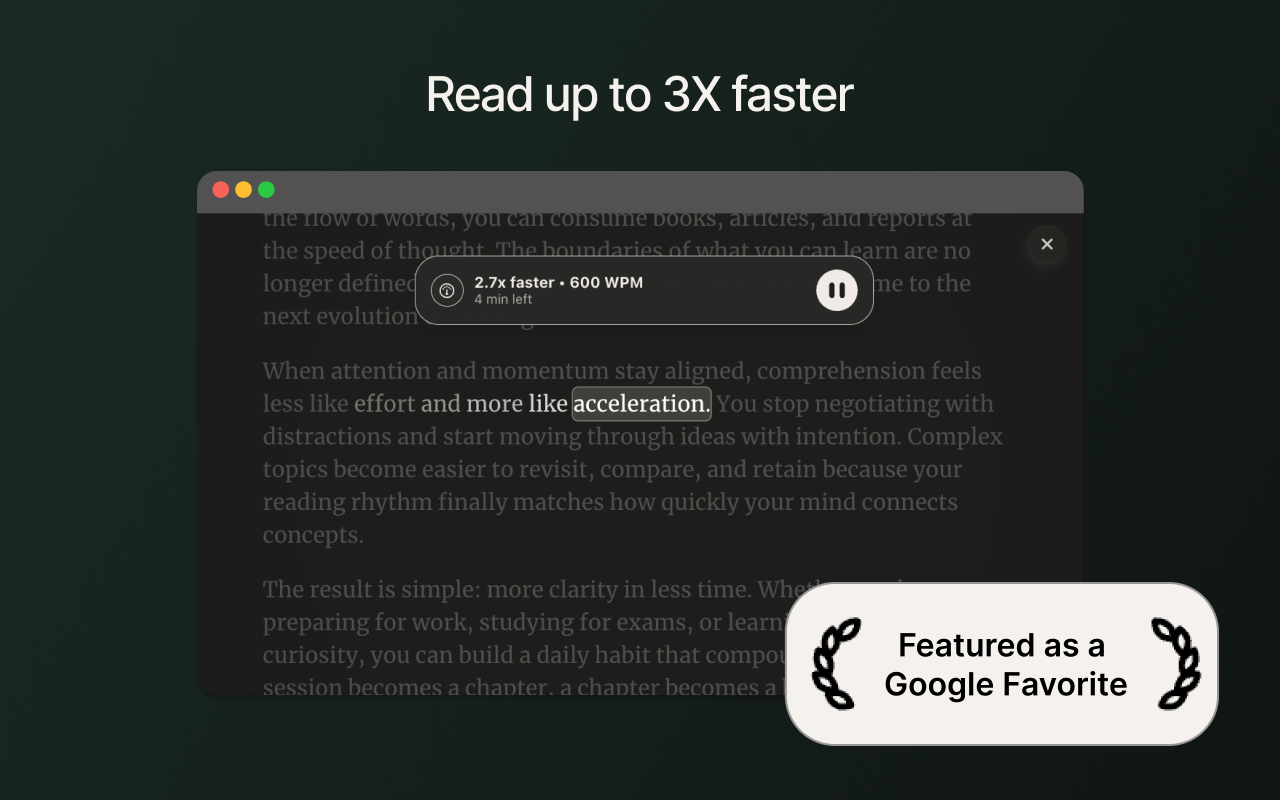
SwiftRead helps you finish more reading on the web with speed-reading focus modes and natural narration.
Use it on web pages, PDFs, and many web-based readers you already use (for example: Kindle Cloud Reader and Libby).
KEY FEATURES
• Start SwiftRead on the current page from the toolbar (or a shortcut)
• Read visually with focus modes — RSVP, paced highlighting, and guided word display
• Listen while you read — follow along with synced highlighting
• Natural TTS voices — 90+ languages with human-like narration
• SwiftRead selected text from the right-click menu
• Open PDFs with SwiftRead from your browser
• Customize your experience — fonts, themes, spacing, and speed
HOW IT WORKS
1) Open the page (or PDF) you want to read
2) Click the SwiftRead extension (or use a keyboard shortcut you set)
3) SwiftRead opens the content in its reader so you can read and/or listen
PERMISSIONS (PLAIN ENGLISH)
• SwiftRead needs access to the active tab to extract text from the page you choose.
• The extension only runs when you activate it (click the icon, use the shortcut, or use the context menu).
• Settings are stored in your browser so your preferences persist.
Support: swiftread.com/help
Privacy Policy: swiftread.com/privacy
Note: SwiftRead is not affiliated with Amazon, OverDrive, or any third-party reader.
Latest reviews
- Michaela
- The new version is much worse when it comes to functionality. Basically none of the settings I needed and used stayed. Removing the coloured letter focal point makes it nearly unusable. Not to mention the Legacy version stopped working on my Mac (not sure about my windows pc), and now not even the new version works. I paid premium and was quite relying on SwiftRead these days and can't use it. I'm disappointed.
- Richard
- The new version is buggy, the UI is poorly designed (there are multiple instances where there are two buttons on the same screen that do the same thing). The center letter is no longer highlighted, which makes it harder to read. When transitioning between speed reading and regular reading, it is harder to find your spot in the block of text because the last word you read is no longer highlighted. The option to read multiple words at a time is gone, which has been replaced with the number of pixels that you want to read at a time, which seems unnecessary and contrived.
- Zach
- The new version seems buggier, and removing the colored letter as the focal point makes this extension basically pointless.
- Zachary
- The new version's UI looks better, but the functional part of the extension has gotten worse. It removed the highlighted letter as a focal point, and the new line above and below the words basically does nothing to focus my eyes.
- noela
- The new version is SO buggy (random unnecessarily pauses no matter how i customize the pause settings, e.g. waiting more than 30 seconds over the world "political") and i can't find a way to revert to the old one, which was 10x better. They also stripped some of the most important customization options and added more paywalls. This thing used to be my favorite extension that I recommended to my friends and now it's unusable. I'm just going to use the "Speed Reading" android app on my phone instead unless the legacy extension gets brought back. This is extremely disappointing.
- Raymond
- I tried on a couple of web pages (one on BusinessInsider and one on Medium). These have pretty clean blocks of text. I set the number of words to 6, to get closer to the Tim Ferris speed reading technique, which focuses on showing multiple lines, and full lines of text. The text presentation was incredibly choppy, zooming past phrases and hanging on others. It's really useless. Perhaps the multi-line feature in the Pro version would work, but I'm sure not going to spend $60 to find out!
- Amanda
- not working. i tried to read a pdf file and nothing, it just keeps loading the info doc. i pressed alt + v and nothing happens. im trying to read a pdf for school that has smaller font but nothing works. can this be fixed so it highlights withing the pdf plz.
- JUAN
- Es una excelente extensión para leer más rápido increíblemente se me hace fácil leer grandes textos en pocos minutos. Compré la versión PRO porque es genial el poder que tiene la extensión.
- Isekai
- TRASH! that wont work on ebook pdf
- Yunus
- God damn this extension is amazing!! Functionality aaand looks wise it is perfect, it honestly is the first and only extension I decided to get other than an Adblock.
- Mike
- Great reader, highly recommend!
- Juan
- es una buena aplicación, pero a mi me ocurre un bug en el que de repente se disminuye automáticamente la velocidad de lectura y eso no me gusta, por favor arreglenlo
- ngo
- Turn off Efficiency mode if you want use it normal speed
- Fausto
- SwiftRead has helped me get through a lot more reading than i would have otherwise.
- Alain
- It's fantastic to be able to read quickly and stay focused on the text only. Whether in English or French, it works perfectly. This is really an extension that I have been waiting for a long time. | C'est fantastique de pouvoir lire rapidement et rester focus sur le texte seulement. Que ce soit en anglais ou en français, ça fonctionne à merveille. C'est vraiment une extension que j'attendais depuis longtemps.
- Patrick
- This site is absolutely incredible!!! If you want to get rid of that hardest of speed read obstacles--subvocalization you must use SwiftRead. You can use it for free, but I can recommend buying the PRO version. The PRO version offers around 12-15 color schemes to experiment with. Different letter size, different letter colors, all kinds of different backgrounds; you can experiment to see what works best for you. There are around 20 or more other options with the PRO version that of course can be experimented with. The price of the PRO version is the deal of the century! Troy could charge a LOT more and this program would still still be more than worth it. Troy went out of his way to help me when I needed it and I am grateful to see a good guy make it. I am very excited about how quickly I am seeing results. I HIGHLY recommend the PRO version of this site!!! The bottom line is it works and produces results and isn't that what we want in a site on a speed reading site?
- Alexander
- Really great app for fast reading. The feature I like most of all is ePUB Reader. Many thanks to author.
- Ivan
- Using this only for a day and I can already tell, this is amazing!
- Peter
- I have to go to Chrome to use. Extension does not work on Edge.
- Hùng
- I don't know the reason why after I start reading with SwiftRead a short time in MS Edge, the speed of text line becomes slower. When I click into anywhere in the window of SwiftRead, it run normally again. The problem does not happen with Chrome. Please, check it again with MS Edge! Thanks
- Greg
- Thank you so much for this!! I was hoping for something like this for decades. Seriously wonderful application! Should win awards.
- [email protected]
- I love that the developer finally brought SwiftRead over from Chrome! It's the best speed reading extension on the Chrome Web Store. SwiftRead helps me read through news articles and reading assignments much faster than I can read on my own!