
Table Capture - Tabular Data to Spreadsheet
Extension Actions
Capturing tabular data on websites. Export to Microsoft Excel, Google Sheets, CSV, etc.
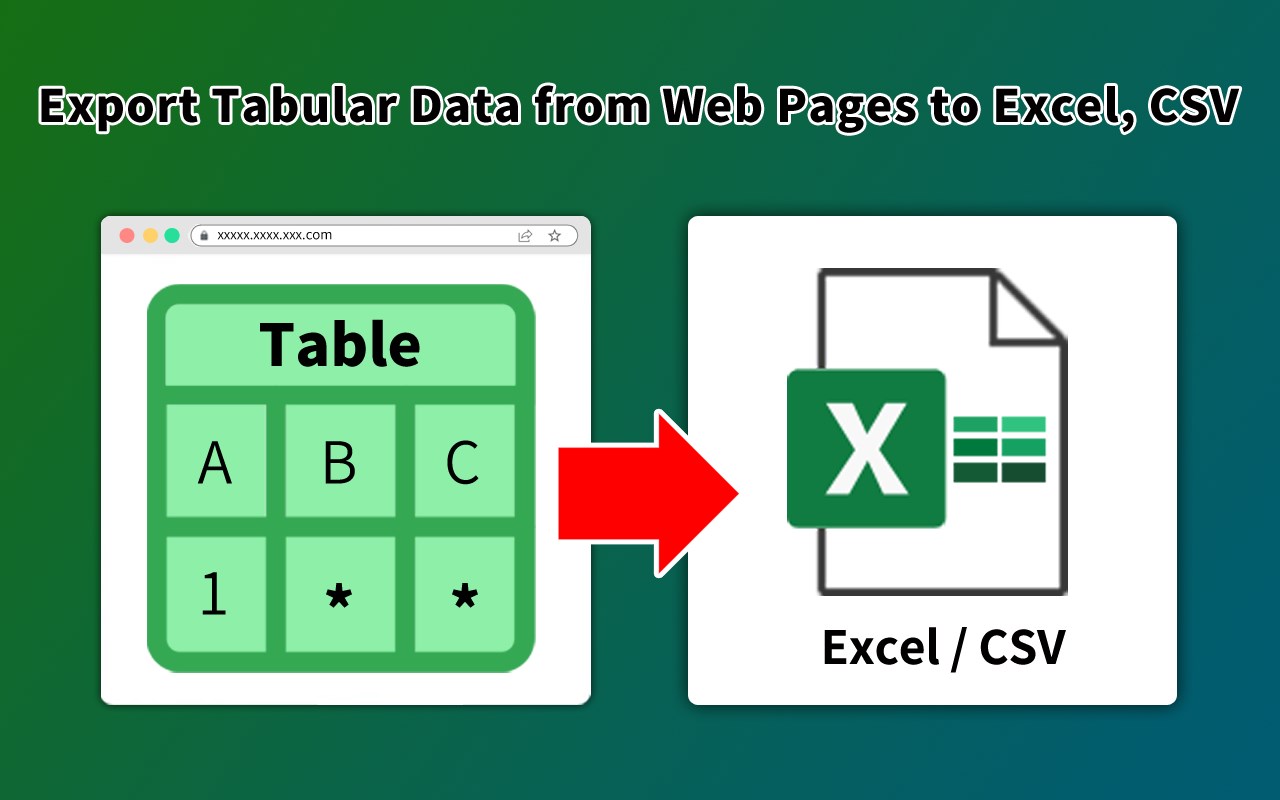
Table Capture is a powerful and versatile extension that empowers you to interact with Tabular Data on websites. You can effortlessly select, and export Tabular Data to various formats, including Microsoft Excel, CSV, Sheets. Whether you need to analyze data, share it with colleagues, or keep a local backup, this extension provides a seamless and user-friendly experience.
How To Use:
1.Open our plugin and select the table section on the webpage
2.Export table data to CSV, Sheets, Excel
Key Features of Table Capture:
-Recognize Tabular Data with ease and efficiency
-Export Tabular Data content to Sheets
-Download tables directly as Excel spreadsheets or CSV files
-Extract tables from PDF files/Images, both local and from the web
➤Financial Transactions
Table Capture offers a free trial, at the end of which a subscription is required to use it, which can be purchased on a monthly or annual basis.
For questions about subscription and usage, please email [email protected]
➤ Privacy Policy
By design, Your data always remains in your account, never saved in our database. Your data aren’t shared with anyone, including the add-on owner.
We complies with privacy laws (especially GDPR & California Privacy Act) to protect your data.