
CRX id
icdbglcdnjonofjpcfpcgpjjchokgnjl
icdbglcdnjonofjpcfpcgpjjchokgnjl
Description from extension meta
A fast in-tab scratchpad.
Image from store
Description from store
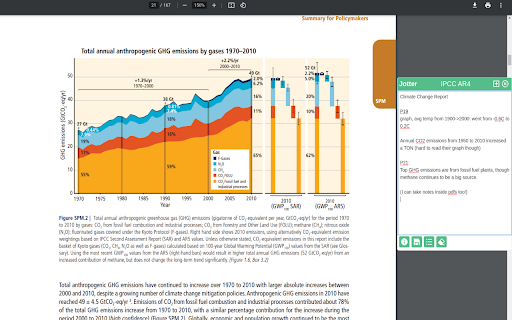
Jotter is a keyboard-activated* scratchpad. It lets you take notes while you're thinking. I find app-switching distracting. I made this to record thoughts in the moment, and process and commit them to a heavier-duty notes app afterwards.
It's useful for:
- Doing research across 5 different tabs.
- Taking minutes on video calls
- Reading industry reports and papers
- Copying important parts of how-to's (like, getting HTTPS set up for your domain)
Some useful features:
- A quick-copy shortcut to paste highlighted text directly in your editor. Works with pdfs too.
- Each note keeps a bibliography so you can refer to your sources later.
- You can tag, stash, and retrieve notes.
- It integrates with Google Drive and Notion, so you can export your notes after you're done.
* Toggle it with the "Open Jotter" keyboard shortcut, which defaults to "Ctrl/Cmd+Shift+Space".
If you've found a bug, or have suggestions, ping me: ([email protected]).
Latest reviews
- (2022-03-29) Xhoni Shollaj: Excellent
- (2022-03-08) Yiren Lu: Super helpful for my newsletter writing!