
GitHub PR Path Copier
Extension Actions
Copies file paths from GitHub PR conversation pages
# Title
GitHub PR Path Copier
# Short Description
Easily copy file paths from GitHub PR conversation pages with convenient copy buttons next to file links.
# Detailed Description
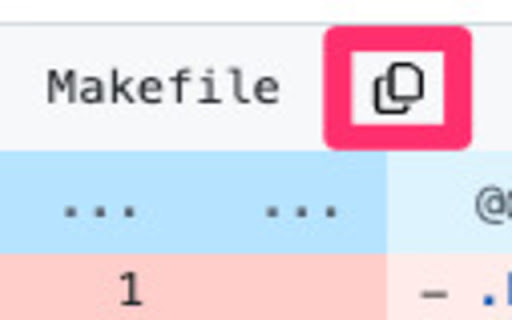
GitHub PR Path Copier is a lightweight extension that makes copying file paths from GitHub Pull Request conversation pages effortless. It adds copy buttons next to file links in PR comments, allowing you to copy file paths to your clipboard with a single click.
# Key Features
- One-click file path copying
- Clean interface matching GitHub's design
- Instant visual feedback on copy
- Automatically works on PR conversation pages
- Minimal permissions required
# How to Use
1. Install the extension
2. Navigate to any GitHub Pull Request
3. Look for copy icons next to file links
4. Click to copy the file path
# Privacy & Security
- No data collection
- Clipboard write permission only
- Works exclusively on GitHub PR pages
- No external services used
# Perfect for
- Developers reviewing PRs
- Team members sharing file references
- Anyone working with GitHub code reviews
The extension is lightweight, fast, and follows GitHub's design patterns to provide a seamless experience.
# Category
Developer Tools
# Keywords
github, pull request, file path, copy, clipboard, productivity
Latest reviews
- Andrei Florea
- I don't know why github doesn't offer this functionality out of the box but this little extension is a life saver. One thing to consider for future updates: right now the copy button is barely visible if you're using dark mode. Other than that, it works great. Thanks for the tool!