
ScreenCapX - Full Page Screenshot
Malware Detected
This extension has been flagged as potentially malicious.
Extension Delisted
This extension is no longer available in the official store. Delisted on 2026-01-30.
Extension Actions
Take a screenshot and edit it - as simple as a single mouse click
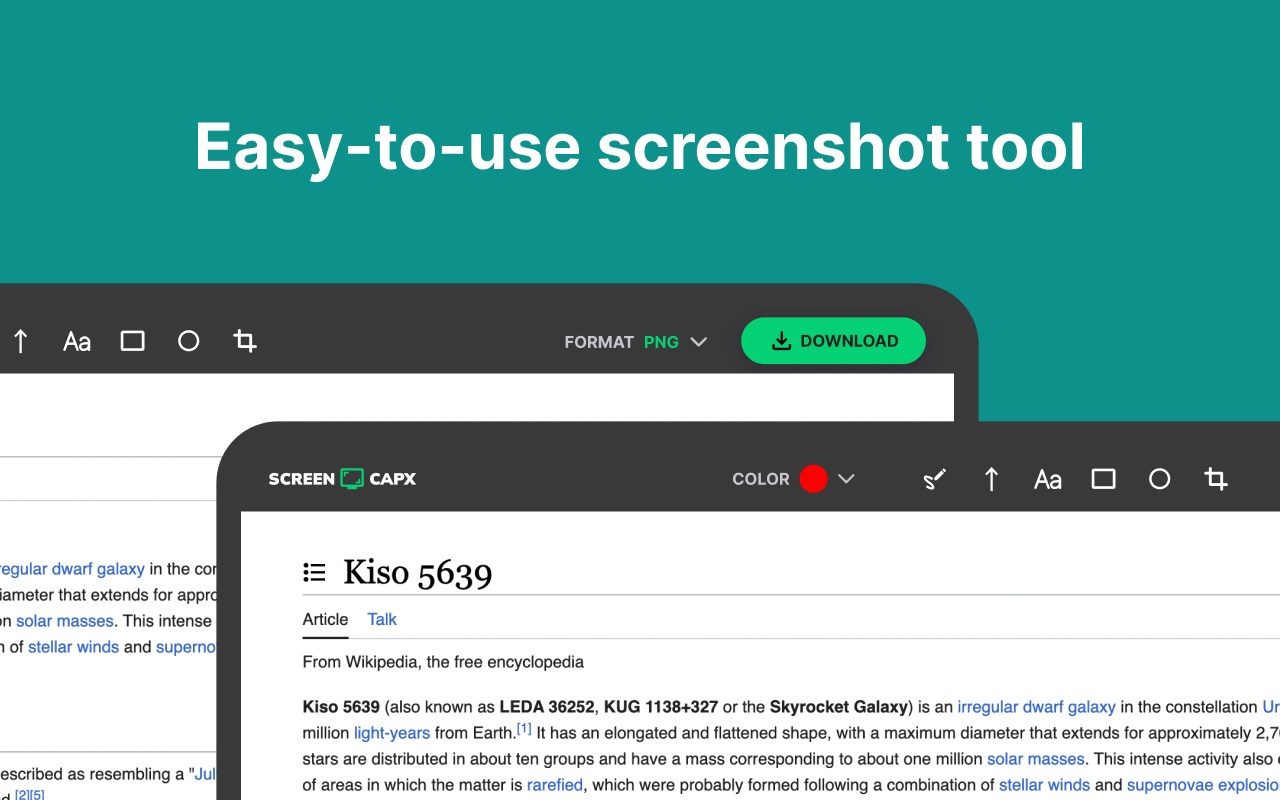
ScreenCapX: The Ultimate Screenshot Tool
💻 ScreenCapX is a screen capture extension that helps users take screenshots quickly. As a screenshot taker, it provides the ability to perform a full page screen capture, selected area, fullscreen with ease. If you need a screenshot extension, ScreenCapX is an excellent choice.
With ScreenCapX, you can take screenshots in three versatile ways:
☑️ Regular Screenshot: Capture the visible part of your screen instantly.
☑️ Full Page Screenshot: Snap a comprehensive shot of the entire webpage, no matter how long it is.
☑️ Selected Area: Define and capture a specific portion of your screen with precision.
Once you've captured your screenshot, take advantage of our powerful built-in editor to enhance and customize your images. ✏️ Edit with ease and precision, then 💾 save your screenshots in your preferred format—PNG, JPG, or PDF.
Key Features:
➡️ Three Capture Modes: Regular, Full Page, and Selected Area.
➡️ Advanced Editing Tools: Crop, annotate, highlight, and more.
➡️ Multiple Save Options: Export your edited screenshots in PNG, JPG, or PDF.
➡️ User-Friendly Interface: Intuitive and easy to use, suitable for all skill levels.
➡️ Lightweight & Secure: Optimized for performance without compromising on safety.
✅ Add ScreenCapX today and transform the way you capture and manage screenshots. Whether for work, study, or personal use, ScreenCapX is your go-to tool for all things screenshot.
Latest reviews
- Malisa
- Great editor for working with texts or graphics
- Louiza
- High-quality screenshots every single time
- Tamara
- Easily handles any file format for saving
- Wilhemina
- Quick access to all editor tools is great
- Ethel
- A must-try for students and teachers
- Rea
- Works even on large and complex webpages
- Fraser
- The clarity and quality are simply top-notch
- Lupe
- Use it daily—this tool never disappoints
- Dixie
- The best service for any work-related tasks
- Malone
- Saves files in the exact format you need
- Estefana
- Editing is super fast and incredibly convenient
- Svetlana
- Highly recommend for anyone working with graphics
- Kodey
- My go-to service for taking screenshots
- Amina
- Editor is great, even for large projects
- Yan
- A straightforward tool for more complex tasks
- Ste
- Quickly saves screenshots without a single error
- Malandra
- Very user-friendly interface, simple to navigate
- Sherilyn
- PDF saving feature blew me away
- Gosse
- Editor has everything needed for adjustments
- Selene
- Screenshots always come out sharp and clear
- Lagina
- Excellent service for professional-level projects
- Randall
- Simple and efficient tool for daily needs
- Lawson
- Area selection tool is super convenient
- Antonina
- Extremely easy to install and start using
- Hedley
- Fits all kinds of work tasks perfectly