
SnapFrame – Screenshot Tool for YouTube
Extension Actions
Capture high-quality video frames from YouTube instantly.
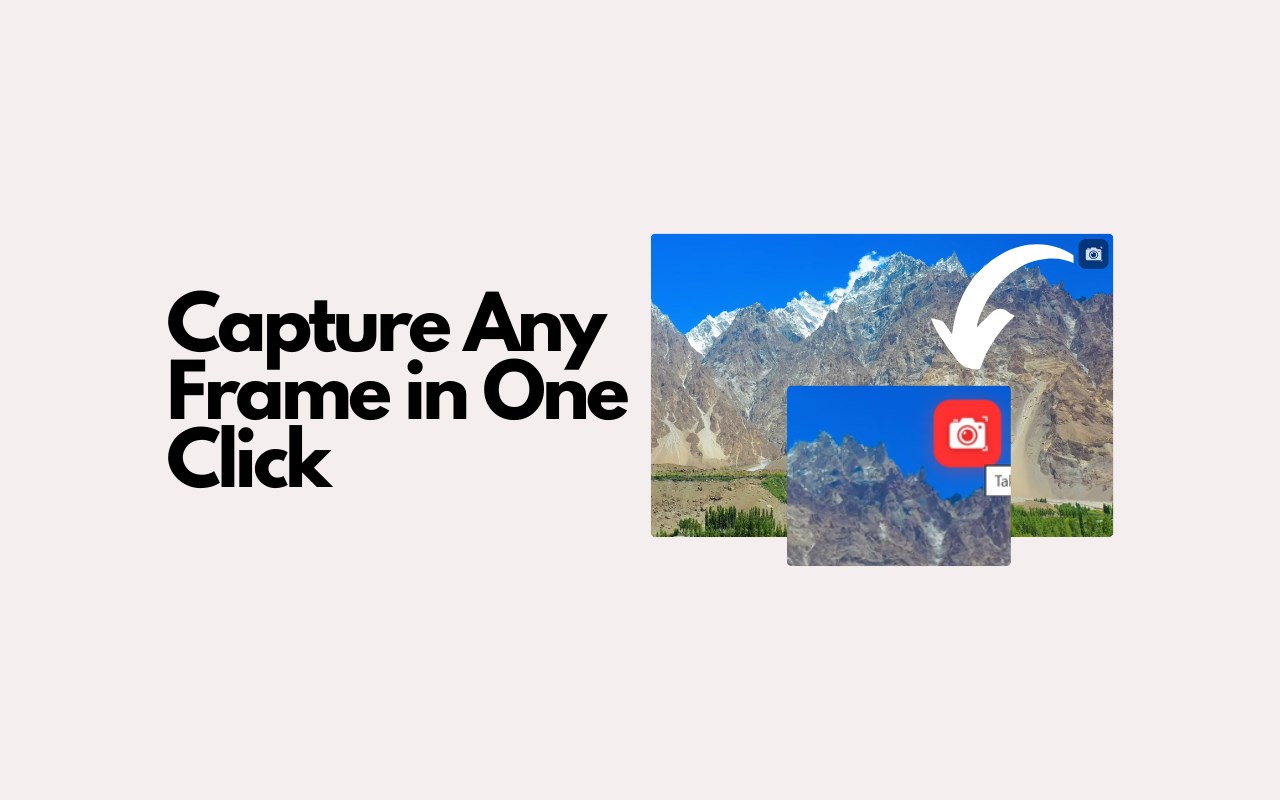
SnapFrame captures any YouTube video frame as a high-quality image with a single click - no accounts, no sign-ups, no bloat.
➤ How it works
SnapFrame adds a small, non-intrusive camera button to the top-right corner of the YouTube video player. Hover over the video to reveal it, click to capture - that's it. The screenshot is taken at the video's full native resolution (1080p, 1440p, 4K, or whatever the source provides), not your browser window size.
➤ Features
• One-click capture directly from the video player overlay
• Full native resolution - screenshots match the actual video quality, not your screen size
• Choose your format: PNG (lossless, best quality) or JPG (smaller file size)
• Flexible save options: save to your downloads folder, copy to clipboard, or both at once
• Auto-generated filenames: youtube_VideoTitle_2m35s.png - always organized
• Files save silently to your default download folder with no "Save As" prompts
• Settings sync across devices through your browser profile
• Works seamlessly with YouTube's single-page navigation - no need to refresh
➤ How to use
• Go to any YouTube video
• Hover over the video player - a small camera icon appears in the top-right corner
• Click the icon to capture the current frame
• Your screenshot is saved and/or copied based on your settings
• To configure preferences, click the SnapFrame icon in your browser toolbar and choose your preferred image format and save action. Settings are saved automatically.
➤ Privacy first
SnapFrame runs entirely in your browser. There are no external servers, no data collection, no analytics, no tracking, and no network requests beyond what your browser already does. Your screenshots stay on your device.
Minimal permissions
SnapFrame only requests the permissions it genuinely needs:
• Storage - to remember your format and save preferences
• Downloads - to save screenshots to your default folder
• ActiveTab - to access the current YouTube page
• Scripting - to place the capture button on the video player
➤ Lightweight and fast
No external libraries, no frameworks, no background processes. Pure, clean code that does exactly one thing and does it well.
Latest reviews
- Amna
- Easy to use