Python Edge Connector
Extension Actions
Edge extension that connects to your Python backend.
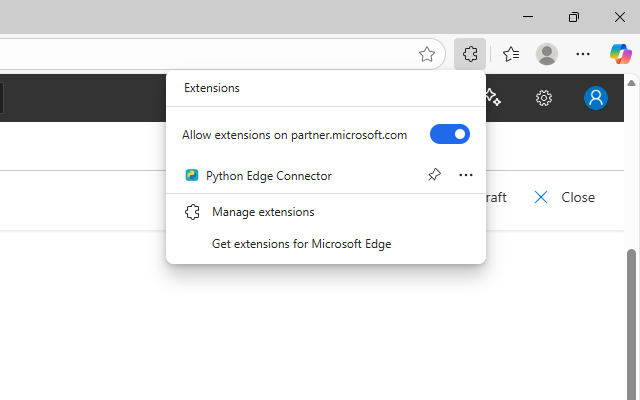
Python Edge Connector lets you connect your Microsoft Edge browser to a live Python backend — perfect for automation, text analysis, or testing API integrations.
🧠 What it does:
• Sends text from your browser to a Python API endpoint
• Processes the response instantly (e.g., echo, summarize, translate)
• Uses secure API key authentication
☁️ Features:
• Works with any HTTPS-hosted Flask backend (Render, Vercel, etc.)
• /process endpoint included for quick testing
• Lightweight and open source
• Easy to extend — add your own routes like /summarize, /translate, /log
🚀 How to use:
Load the extension in Edge
Open the popup and enter text
Click Send to Backend to see live responses
🔒 Security:
• API key required to access backend routes
• HTTPS ensures encrypted communication
💡 For Developers:
Extend popup.js or your Flask backend to build new tools like auto-translation, data processing, or logging dashboards.