
Alibaba Cloud Data Map Search
Extension Actions
A extraordinary search tables chrome extension, let you input keywords and redirect into DataWorks DataMap.
Open Source: https://github.com/datafe/datamap-omnibox-chrome-extension
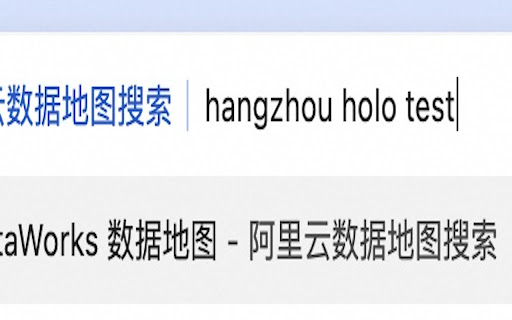
Only you type dmc and tab key (or dmc and space key) in chrome URL bar.
1. typing dmc and tab key (or dmc and space key) in chrome URL bar
2. input region, table type and table keywords and press enter
ps: This extension caches current used region and table type, you can type keyword only to trigger search next time.
Otherwise, support using context menu to select text and into search.
If you want advanced search features, such as search remote table results in Chrome URL input, you can install this extension: https://chromewebstore.google.com/detail/%E9%98%BF%E9%87%8C%E4%BA%91-dataworks-%E6%90%9C%E8%A1%A8/pchandealfkoepcpkddkijpfiglgjkgi?hl=en
Latest reviews
- Shuangtao Lyu
- It is really helpful, especially when you have DataWorks in multiple regions. When I have to check some table's output in several regions, I just need type in location bar, no need opening DataMap's regional portal page. Really really cool.