
Pinterest Save Button
Extension Actions
- Extension status: Unlisted
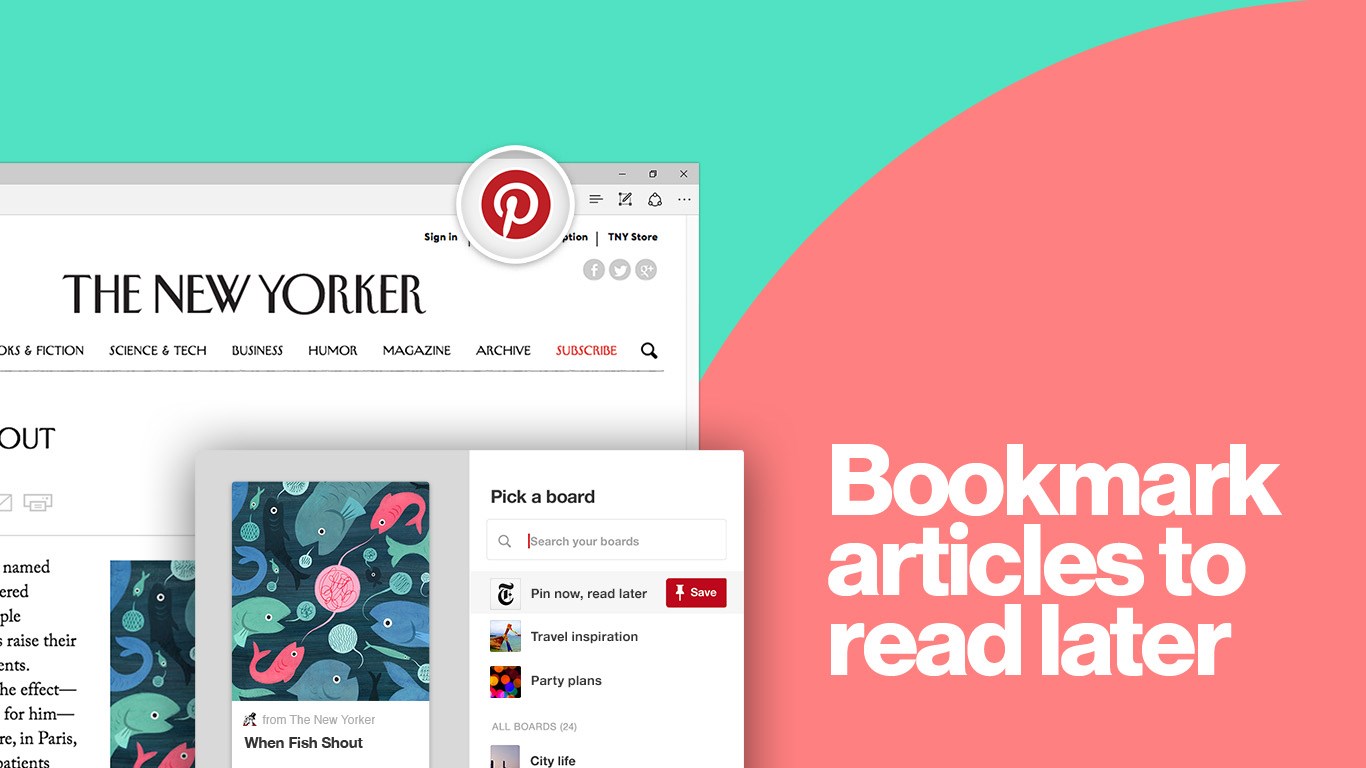
Get the official Pinterest button for Edge to save ideas you find around the web to your Pinterest account. Just click the Pinterest button the next time you find an idea you want to save for later.
CREATE VISUAL BOOKMARKS
• Each idea you save creates a visual bookmark, using an image from the webpage you saved.
• Because bookmarks are visual, everything’s easy to recognize later—so much better than text links!
• When you’re ready to give an idea a try, just click through to the website you found it on.
ORGANIZE IDEAS INTO COLLECTIONS
• Organize all the ideas you save into different collections, so it’s easy to find later—whether you’re on your phone or sitting at your computer.
SAVE ALL KINDS OF EVERYDAY IDEAS
• Recipes from your favorite food blogs
• Collect ideas for your home
• Save styles you want to try
• Articles to read later
MAKE BIG PLANS
• Save ideas for parties, weddings and other events
• Collect ideas for home renovation projects
• Gather all your travel ideas in one spot
Latest reviews
- Kay
- Unresponsive on Edge.
- rgude
- good one
- Rayven
- works fine on my edge browser
- [email protected]
- Button does not work on Edge.
- Crystal
- Button doesn't work
- Ana
- Doesn't work on Edge. Button is downloaded but nothing happens when you click it.
- Linda
- Ever since they upgraded Microsoft Edge on my pc, the Pinterest sign pops up every time I play card games. It hoovers above every card I put my curser on. It's annoying. What can I do to get it to stop & leave my card games alone. ?