
Web Scraper - Free Web Scraping
Extension Actions
- Extension status: Featured
Web data extraction tool with an easy point-and-click interface for modern web
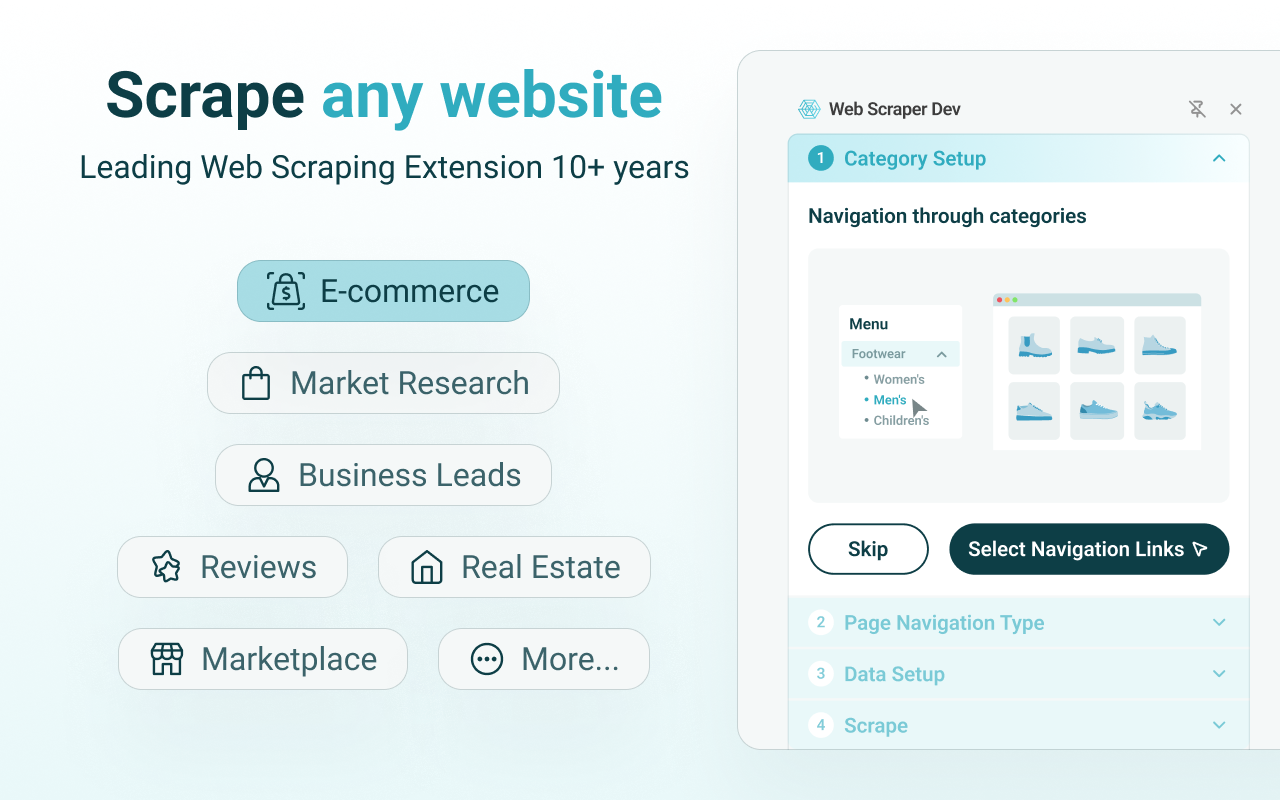
Web Scraper automates website data extraction right within your browser. With a simple point-and-click interface, the ability to extract thousands of records from a website takes only a few minutes of scraper setup.
Web Scraper offers features like:
* Data scraping from multiple pages;
* Multiple data extraction types (text, images, URL’s, and more);
* Scraping data from dynamic pages (JavaScript + AJAX, infinite scroll);
* Browsing scraped data;
* Exporting scraped data from a website to Excel;
* It is dependent only on the web browser; therefore, no extra software needed for you to start scraping.
How to use Web Scraper?
1. Install Web Scraper and open Web Scraper tab in developer tools (which has to be placed at the bottom of the screen for Web Scraper to be visible);
2. Create a new sitemap;
3. Add data extraction selectors to the sitemap;
4. Lastly, launch the scraper and export scraped data.
It’s as easy as that!
Web scraping can be a little bit difficult at first, that's why we have created informational guides that can help you.
For video tutorials, documentation, how-to’s, playground web pages and blog, visit our website: https://www.webscraper.io/
If you want to discuss web scraping, request features, ask questions, or submit bugs, visit our friendly forum here:
https://forum.webscraper.io/
Regarding the privacy policy of our product, see “Browser Extension Privacy Policy” at https://webscraper.io/extension-privacy-policy
Web Scraper extension is free to use locally without any limitations. If you would like to completely automate data extraction try Web Scraper Cloud.
Thank you for choosing Web Scraper!
Latest reviews
- Aivaras
- Fails to scrape with more items in the list
- jenna
- There is no where to put the links you want scraped.
- dika
- totally works, but adding more documentation and samples won't hurt
- e38086
- 发现一个好用的扩展 直接商店搜索 ilink网络加速器 看高清视频速度嘎嘎快
- B23648
- 发现一个免费好用的扩展 直接搜索 ilink网络加速器 可以解锁谷歌、youtube等 我用了几个月了 一直很稳定
- 时空
- 哎翻墙就用这个吧https://go.91merry-1.top/auth/register?code=gHmr 邀请码:gHmr
- zengzhao
- “Pop link” Feature options disappear!It doesn't work as well as before
- Francisco
- I've tried quite a few scrapers and this is the one that allowed me to do the job as close as I wanted it. Thank you!
- Robyn
- confusing, need a better design
- 邦良
- 也是看了六甲过来的。好失望!一看原来是10年前的,也就只能这样了
- Xiao
- 为什么在edge中使用,无法选择。屏幕是灰色的
- 鹏
- 我看到前面的评论推荐《六甲的运营笔记》,看了她的B站教学视频,得以入门。 二级网页这个概念讲解我觉得有问题。二级网页,应该是点开链接之后呈现的才是二级页面。
- hd
- 非常好用,推荐B站《六甲的运营笔记》的教程
- Colominas-Ruiz,
- I used on another navigator and it is fantastic!
- 颖涛
- 抢个沙发 真滴好用👍