
Smart Pip View
Extension Actions
Maximize Your Screen Space and Efficiency with Smart Pip View: A Smarter Way to Embrace Picture-in-Picture (PiP) Technology
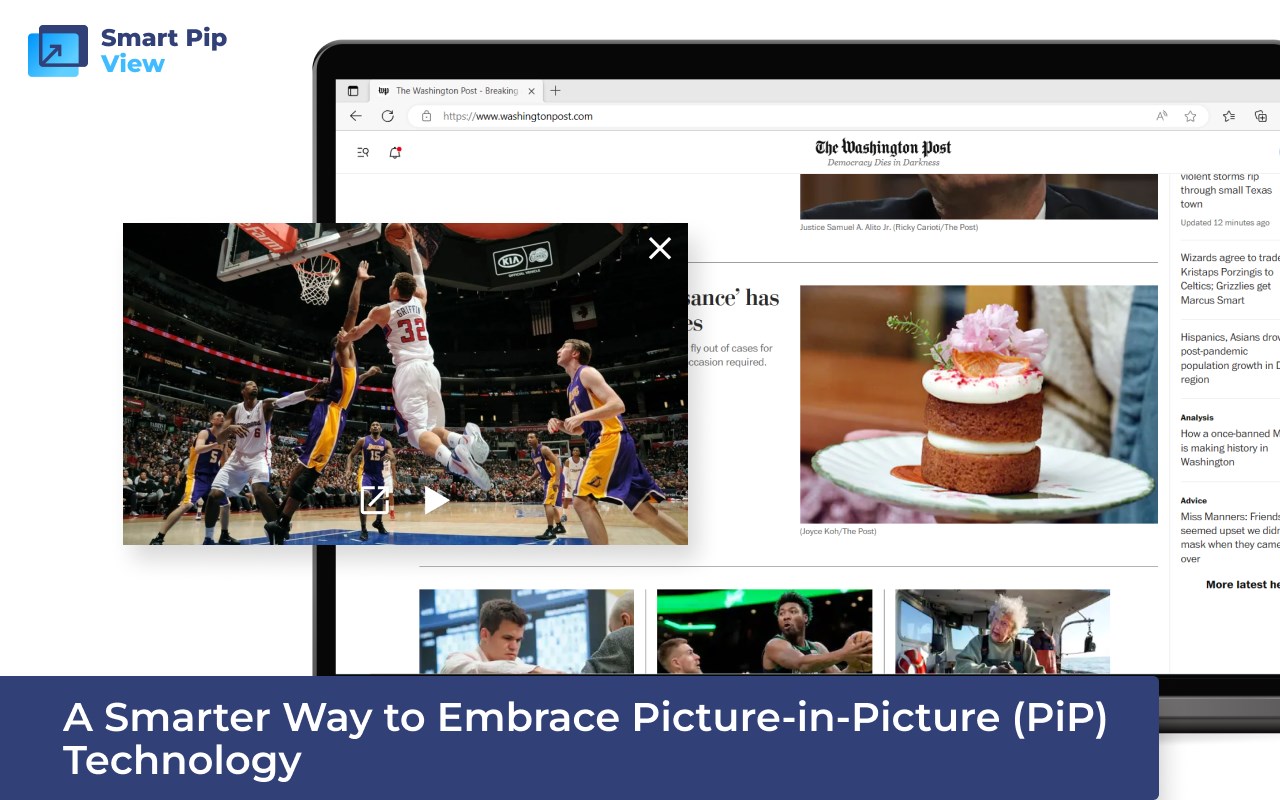
🏞️ Are you tired of juggling multiple tabs while trying to watch videos? Say goodbye to the clutter and welcome the future of multitasking! 🚀
Introducing Smart Pip View, the groundbreaking browser extension that maximizes your screen space and efficiency like never before. 💻📈
💡 Experience a Smarter Way to Embrace Picture-in-Picture (PiP) Technology! 💡
✨ Features that Make Smart Pip View Your Must-Have Extension: ✨
🔹 Activate Pip mode with a simple click of the toolbar icon. Seamlessly switch between your work and entertainment without missing a beat. 🎯
🔹 Enjoy convenient icons in the video player on major platforms like YouTube. Watch, browse, and chat simultaneously, all within a single window. 🎬💬
📌 Important Note: Keep your video tab open to ensure uninterrupted Pip functionality. No more accidental closures or frustrating disruptions! 🙌
Latest reviews
- Sophia
- don't working with netfix on pc computer.
- 의진
- Thanks for your program. But there is a little problem. I am using dark mode in edge browser. When I operate your program, UI becomes hard to see. Only when I switch theme white and dark again in setting, it works clearly, but it works just only once. Can you check this problem?!
- Maya
- Works exactly as advertised! The Windows version of the Netflix app doesn't have the PIP option, but after installing this extension, I'm able to use the Netflix app in PIP mode and continue to multitask in other apps.
- Mahmoud
- Pretty clean addition to my edge browser, it appears as an original icon on the bottom corner of YouTube videos, which I find to be super clean and blends well with the site icons ;)
- Hamid
- Amazing this extension button in video YouTube easy access pip tanks! from iran
- Cecil
- 这个插件太好用了吧~~~