
Pylonk — Text tools, notes & highlights
Extension Actions
Select text: translate, search, dictionary, read-aloud & AI. Notes and highlights sync with Pylonk; export to Notion/Obsidian.
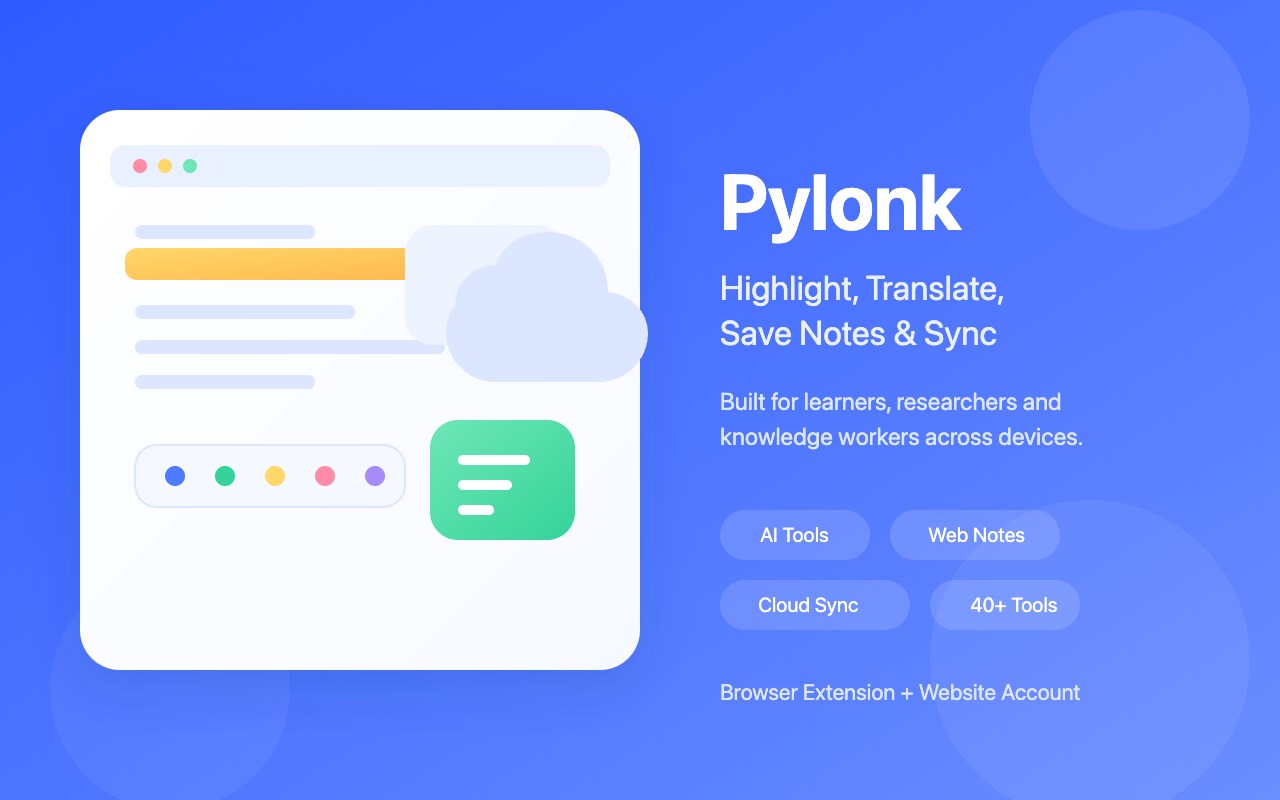
Pylonk - AI Text Selection Assistant, Web Highlighter & Cloud Notes
Unlock 40+ AI tools and productivity workflows with a single click. Select to save, persist your highlights, and sync across all devices—turning fragmented reading into systematic knowledge.
Product Overview
Pylonk is a browser extension designed specifically for deep readers and knowledge workers. It’s more than just a text-selection tool; it’s the bridge connecting web information to your personal knowledge base.
With Pylonk, you can select any text to instantly polish, translate, or summarize it using AI, or turn it into persistent highlights and notes. All your data is synced via the cloud, ensuring your reading progress follows you whether you’re on a work computer or a personal device.
🚀 Core Features
🌍 Select-to-Act Toolbar
Instant Access: Highlight text to reveal a toolbar for one-click copying, searching, translating, or dictionary lookups.
Highly Customizable: Freely configure trigger methods, displayed tools, and site blacklists.
🤖 40+ AI & Productivity Hub
AI Enhancement: One-click tools for text polishing, translation, summarization, grammar correction, and rewriting.
Workflow Integration: Supports one-click sync to Notion and site-specific productivity tools.
Modular Management: Enable only what you need to keep your interface clean and clutter-free.
🖊️ Persistent Highlights & Web Notes
Leave Your Mark: Highlight key sentences with colors that persist even after you close the tab or refresh the page.
Contextual Notes: Take notes while you read. Notes are automatically linked to the source URL for easy backtracking and review.
Deep Reading: Transform "skim and forget" into "read and retain."
☁️ True Cloud Synchronization
Cross-Device Consistency: Log in to your account and access all your highlights and notes instantly on any device.
Out-of-the-Box: Securely hosted data with no complex configuration required. Switch devices and pick up right where you left off.
🔒 Security & Privacy
Account Isolation: Your data belongs to you and is stored securely under your personal account.
Encrypted Transmission: Powered by industry-standard Clerk authentication and encryption to protect your intellectual assets.
🧠 How It Works
Select: Highlight any text of interest on any webpage.
Process: Use the pop-up toolbar to apply AI polishing, translation, or add a highlight.
Sync: Your notes are automatically uploaded to the cloud and available in the Pylonk dashboard for further organization.
💡 Why Choose Pylonk?
End Fragmentation: Stop letting inspiration get lost in your browser history.
Stay Focused: The streamlined sidebar and toolbar design reduce the need for tab-switching.
Knowledge Loop: Follow the logic of "Read → Mark → Retrieve" to build your own knowledge moat.
🎯 Use Cases
📚 Students & Researchers: Highlight papers while reading and quickly translate technical jargon.
✍️ Content Creators: Collect web snippets and use AI to refine "golden quotes" for your writing.
💻 Professionals: Sync research materials across devices and quickly extract summaries from long-form articles.
🌍 Language Learners: Use bilingual dictionaries and AI explanations to understand foreign contexts deeply.
📋 Quick Start in 3 Steps
Install Extension: Add Pylonk from the web store.
Sign In: Log in to connect the extension with your web dashboard.
Start Reading: Select text on any page to begin your high-efficiency reading journey.
💬 Support & Feedback
Official Website: https://pylonk.pixzens.com
Contact Email: [email protected]
Pylonk — Make every line count, make every insight last.