Puppy Snake Game
Extension Actions
Play fun snake-like game with puppy head!
Play fun snake-like game with puppy head!
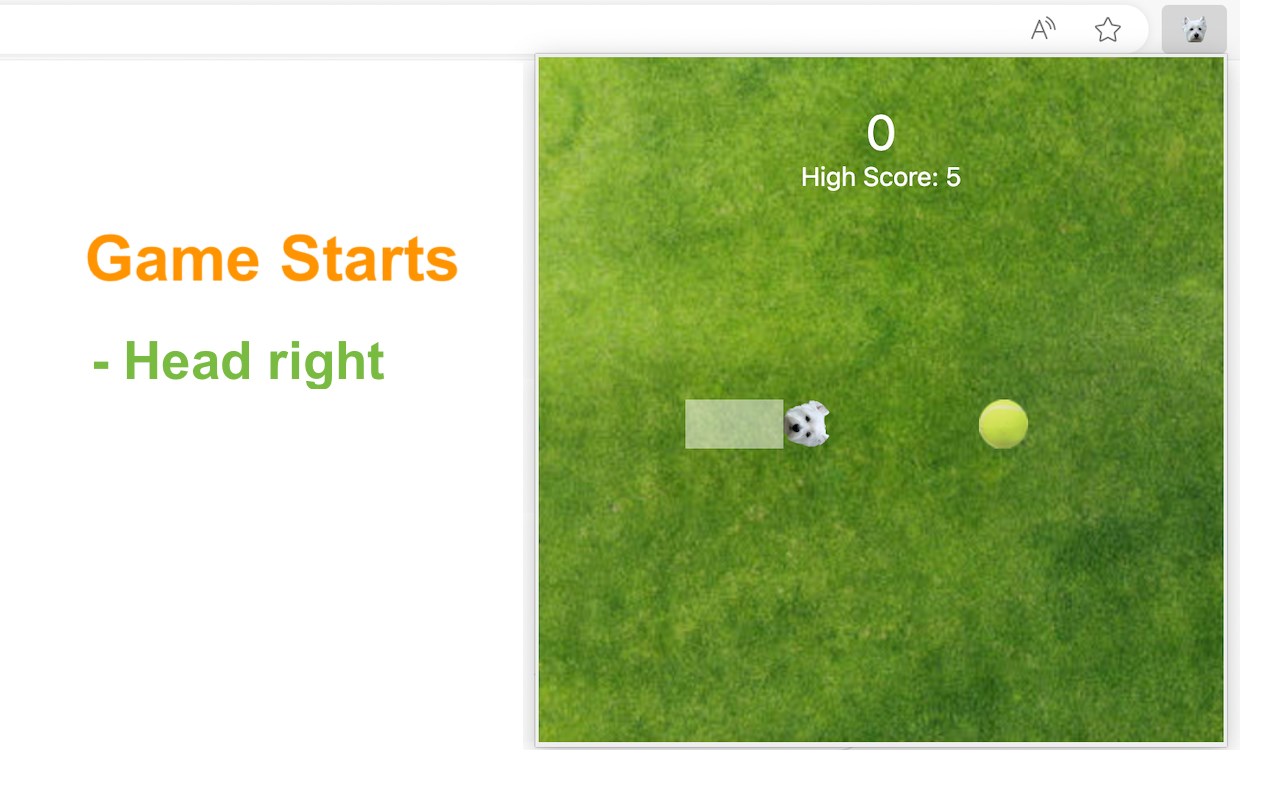
This browser extension allows you to play classic snake game with a custom snake head in a popup. In current version a cute puppy icon is adopted and the newer version will allow users to customize it for more fun!
Try to move the snake to touch a ball which randomly appears in game area. For each touch, the body will grow while game score will increase. As the growth of body, the snake will move faster.
How to play?
1) Click the extension icon in the top right corner of the browser to open the game window.
2) Press Arrow keys (Arrow left/right/up/bottom) to start the game or change move direction.
3) Press the Space key to pause or continue the game.
4) Click anywhere on your screen except game window to exit the game.
5) Press the Restart button (or Space key) to start a new game when the game is over.
Have fun with this custom Snake game! After it ends, you’re free to explore our novel snake web game along with some featured game extensions to continue the excitement.