Grammarly Dark
Extension Actions
CRX ID
kljjdbdffnbengiilkaiblpinbhfcfnc
Description from extension meta
A dark theme for Grammarly documents.
Image from store
Description from store
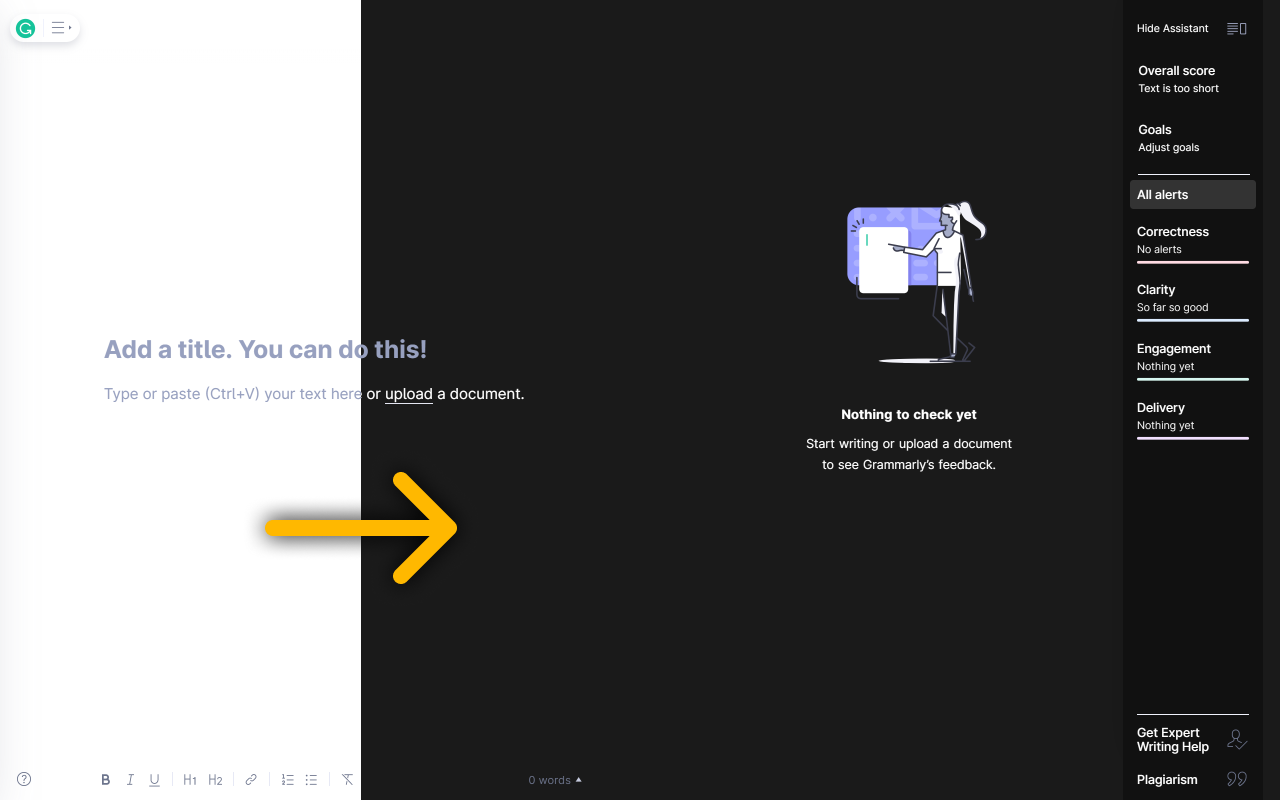
Unofficial Grammarly dark theme. Ease your eyes while writing in the Grammarly app.
Grammarly Dark for Microsoft Edge provides a dark mode for the Grammarly app online.
The benefits of using this extension:
✔ Beautiful, dark color theme (not inverted colors)
✔ Reduces eye strain
✔ Get proper sleep at night
✔ Eliminate the harmful blue light
✔ Created by a web developer
How to use it?
1. Install
2. Log in to your Grammarly account and head to the dashboard.
Grammarly Dark is an open-source project, available on GitHub:
https://github.com/bartzalewski/grammarly-dark
Latest reviews
- Jonathan
- i have not bathed in 3 weeks
- azseya
- Works great and causes less stress in eyes. If using Edge, you might have to head into settings before it starts to work. Otherwise, awesome add-on.
- 7A11.21_Nguyễn
- Simple, wonderful, lightweight. Just like the rule "nothing is perfect", the extension isn't completely perfect. There are some hard-to-read text caused by Grammarly Dark. Reported to the developer. Hope he will fix these soon.
- Sophia
- No viruses so far! Loving the dark theme and I haven't found any issues. Would recommend!
- DEAJESH
- this add-on is not working for me in miicrosoft edge
- Sav
- Works well, thanks :)