
Transfer GoogleDrive to Dropbox
Extension Actions
- Extension status: Featured
- Live on Store
Transfer files from Google Drive to Dropbox and vice versa.
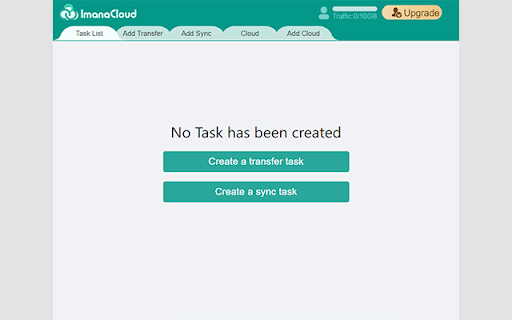
How do you usually transfer files between clouds ? The most logical way to transfer your files from one cloud to another is to download files from one cloud to your computer and re-upload them to another account. But given the amount of data and time this approach requires, it is clearly not the best course of action
However, with this Chrome extension, you can:
● Move your files between clouds seamlessly with no download and upload
● Sync files between clouds so that you can manage your files across devices
Highlights of this extension:
● Currently, Google Drive/Dropbox/OneDrive/PCloud/Box are supported.
● Manage multiple cloud accounts in one console.
● Automatic transfer/sync greatly boost your productivity.
● Transfer/sync large files in one go without transferring them in batch.
● Transfer/sync files in the background even though your browser is closed.
● Get rid of your poor network connection and enjoy competitive transfer speed.
● Provide 7*24 customer support services to help you solve problems faster
Imanacloud, a free web-based cloud storage manager, aims to boost your productivity.
Website: https://www.imanacloud.com
Customer support: [email protected]
Latest reviews
- alex stack
- After this cloud disk has been used, it feels very suitable. Complete functional structure, I suggest friends to use. Sincerely suggest!
- alex stack
- After this cloud disk has been used, it feels very suitable. Complete functional structure, I suggest friends to use. Sincerely suggest!
- minute hour
- stable and concise
- minute hour
- stable and concise