
Google Scholar PDF Reader
Extension Actions
Supercharge your paper reading: follow references, skim outline, jump to figures, cite and save.
Google Scholar PDF Reader is a extension developed to addresses long-standing challenges in scholarly reading by providing an enhanced PDF reading experience without sacrificing the simplicity of the format. The extension seamlessly integrates with the Google Scholar ecosystem that significantly improve research efficiency. By integrating intelligent navigation, reference management, and visual accessibility features, the extension transforms static PDF documents into interactive research tools. For scholars, students, and researchers who regularly engage with academic literature, this extension offers substantial efficiency gains and an improved reading experience while maintaining compatibility with existing research workflows.
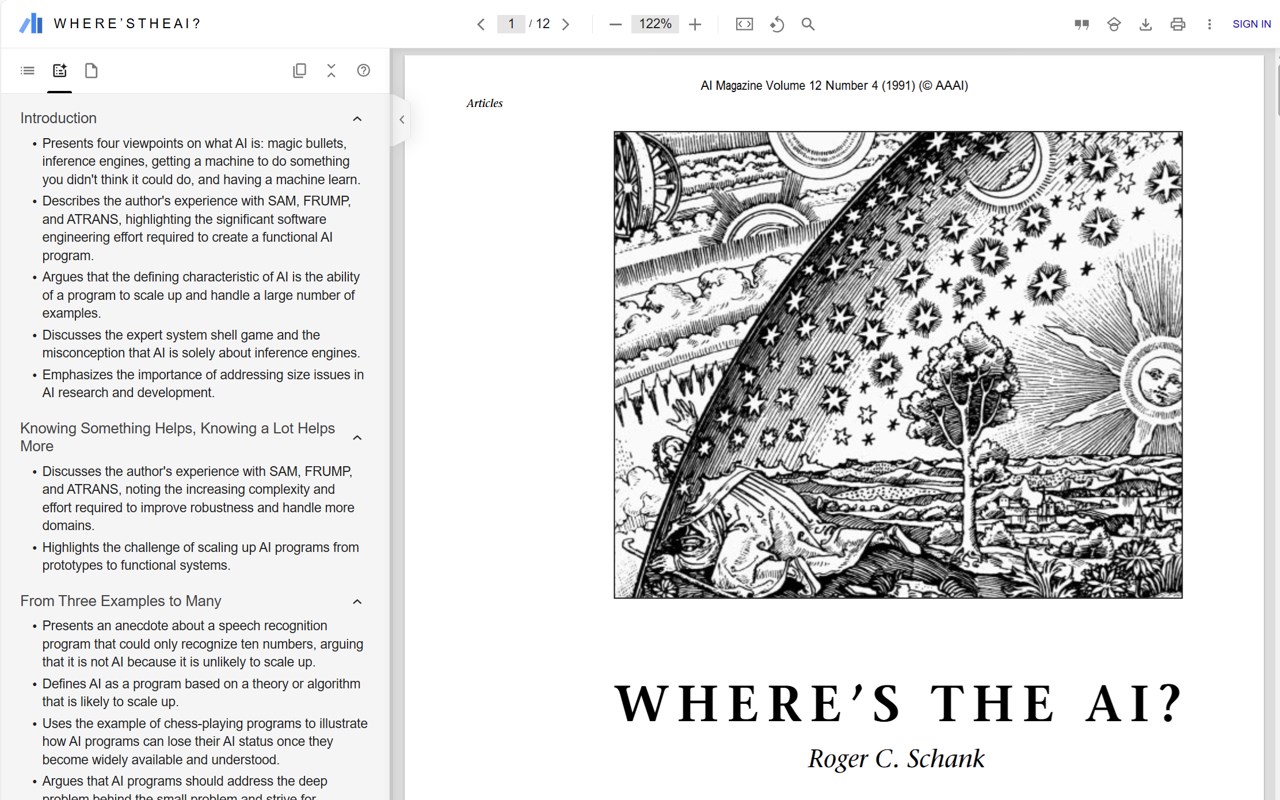
One of the most valuable features of Google Scholar PDF Reader is its AI-powered navigation system. The extension automatically generates a structured table of contents, enabling users to quickly jump to specific sections of interest such as methodology, results, or discussion. This feature was further enhanced in November 2024 with the addition of AI outlines, which provide bullet-point summaries of key sections to facilitate rapid skimming of content. The ability to expand sections and navigate to specific subsections makes even lengthy papers more accessible and easier to digest.
When you install Scholar Reader, PDFs on all sites will have a new look in browser. To make this happen, browser will ask for permissions to read and change data on all sites. Scholar Reader makes no changes other than the presentation of PDFs.
• Preview references as you read. Click the in-text citation to see a summary and find the PDF.
• Read faster with the AI outline. Get a quick overview and click on interesting bullets to jump within the paper.
• Highlight and comment on PDFs. Highlights are saved to your Scholar library.
• Make it right for your eyes with light, dark, and night modes.
• Copy and paste common citation formats without leaving the paper.
• Save articles to your Scholar Library to read or cite later.
• Click in-text figure mentions to see the figure and the back button to keep reading.