
Quick Heal Spy Alert
Extension Actions
- Extension status: Unlisted
Quick Heal Spy Alert protects user identity and prevents trackers that collect online browsing behavior.
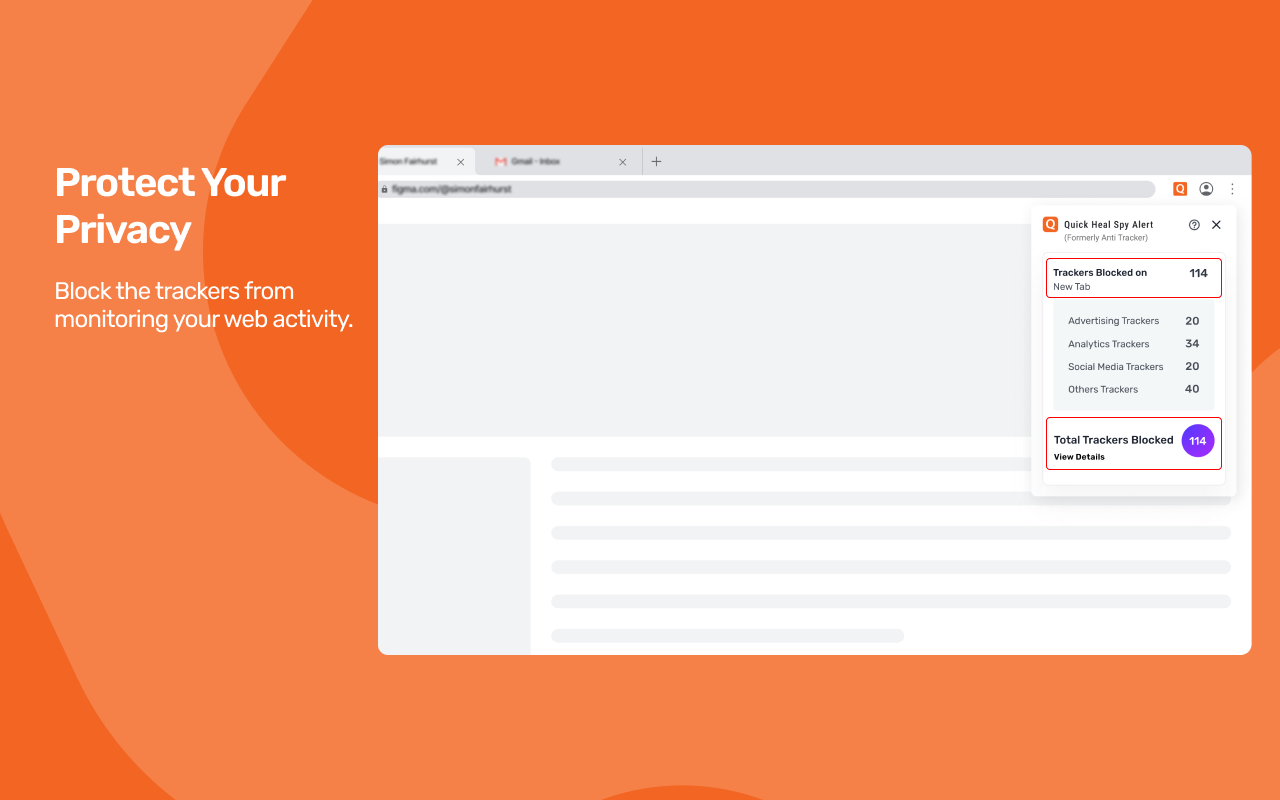
Quick Heal Spy Alert ensures that your online browsing experience stays private and safe. Whenever you browse online, there are trackers (spies) that record your online footprint. They know what type of content you view, which websites you access, and what type of messages you follow on any social networking sites. This is how they flash ads to your interest and clutter your browsing experience.
Quick Heal Spy Alert blocks all trackers (spies) to stop any eavesdropping and thus you can enjoy peaceful and ads free browsing.
This feature helps you to allow or block the trackers (spies) based on categories. You can block certain trackers (spies) that you think encroach on your privacy while you can allow others that you think do not harm you in any manner.
Feature Highlights
• Blocks trackers (spies) to protect user online footprint.
• Boosts browsing speed.
• Saves data and time.
How it Works?
1. Download the Quick Heal Spy Alert web browser extension. Make sure that you have the Quick Heal Total Security/Quick Heal AntiFraud installed on your device that offers this feature.
2. After installing the browser extension, Quick Heal will auto-sync with Spy Alert.
3. Configure the Spy Alert Settings in the Quick Heal product console.
Latest reviews
- Vishal
- When I open Quick heal software in windows and click on manage extension in spyware alert, it does not allow me to turn on syncing with edge.
- Sumukha
- Doesn't protect from cookie stealers due to which login sessions can be compromised and accounts get hacked.