
View Background Image
Extension Actions
CRX ID
lmpgechcgfhfamgjfcipjjpfjoknpccg
Description from extension meta
Adds “View Background Image” to the context menu.
Image from store
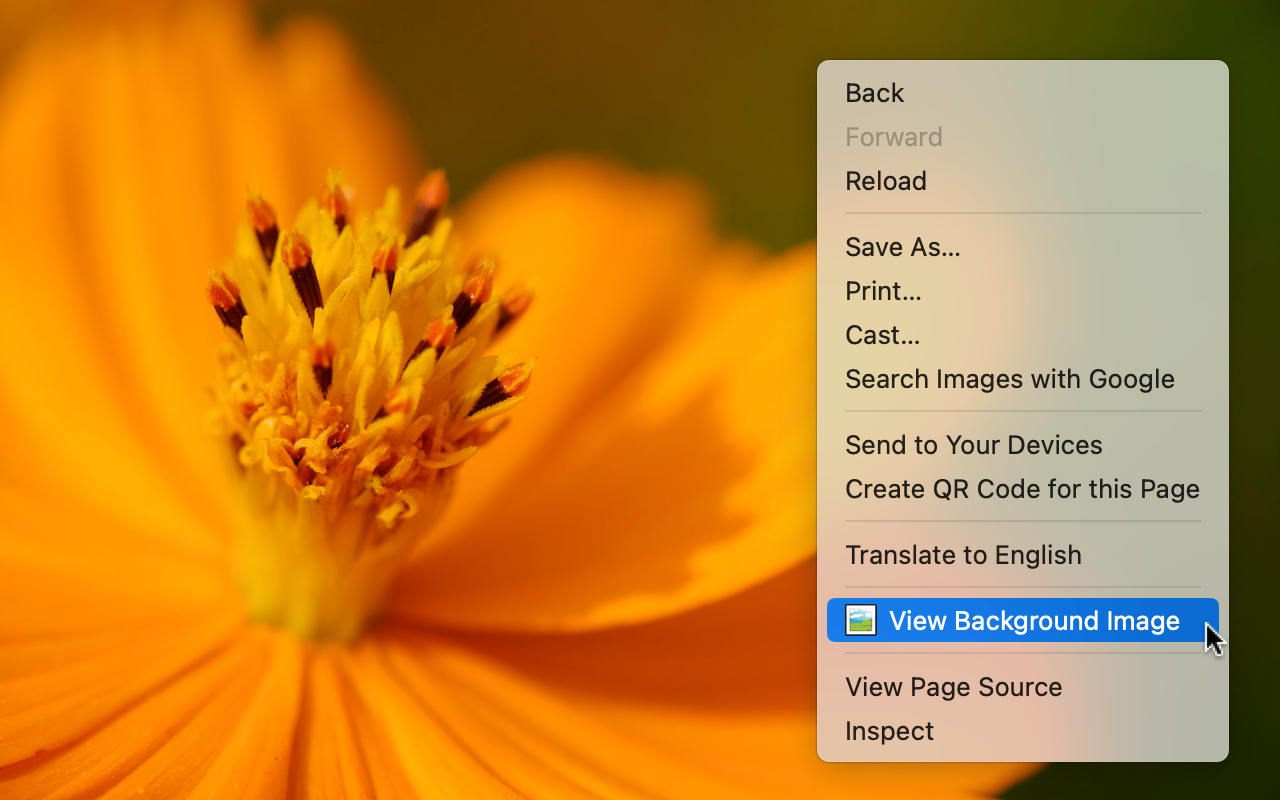
Description from store
Edge addon that adds "View background image" to the context menu.
Usage:
1. Reload pages after installing the extension
2. Open the context menu on the images
3. Select "View Background Image"
4. The images will appear in a new tab
The extension requires permission to read and change all your data on all websites for viewing background images.
This software is released under the MIT License.
https://github.com/foooomio/view-background-image
Latest reviews
- Tiger
- Very good addon! Thank you!