Teams Transcript Exporter
Extension Actions
Export Teams meeting transcripts as .vtt files with one click
Export Microsoft Teams meeting transcripts as .vtt files with one click — no permissions needed, no server, no IT involvement.
When you open a Teams meeting recording on SharePoint, the transcript is visible but the download button is locked behind permissions. Teams Transcript Exporter bypasses that by reading the transcript data already loaded in your browser and saving it directly to your device.
HOW TO USE:
1. Open a Teams meeting recording link
2. Open the Transcript panel on the right side of the player
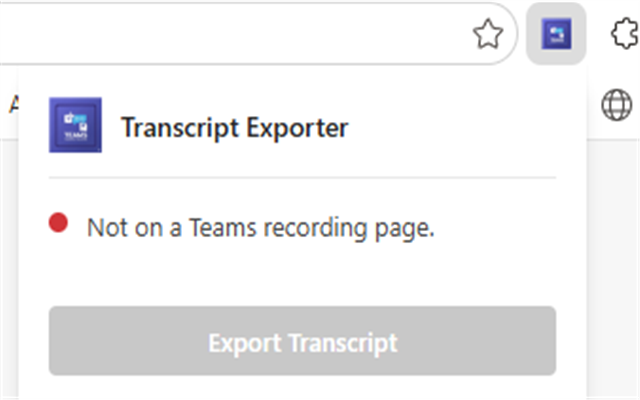
3. Click the extension icon in your toolbar
4. Click "Export Transcript" — the .vtt file downloads instantly
FEATURES:
• Instant export — no scrolling or waiting
• Full transcript — captures all entries regardless of meeting length
• Speaker names and accurate timestamps included
• Standard WebVTT (.vtt) format — compatible with video players, transcription tools, and AI apps
• Works entirely in your browser — nothing is sent to any server
• Free and open source