
FullPageScreenshot - Custom Screenshots & Advanced Editor
Extension Actions
Capture full-page or custom-area screenshots & Edit with an advanced dashboard and save in multiple formats like JPEG, PNG, and PDF.
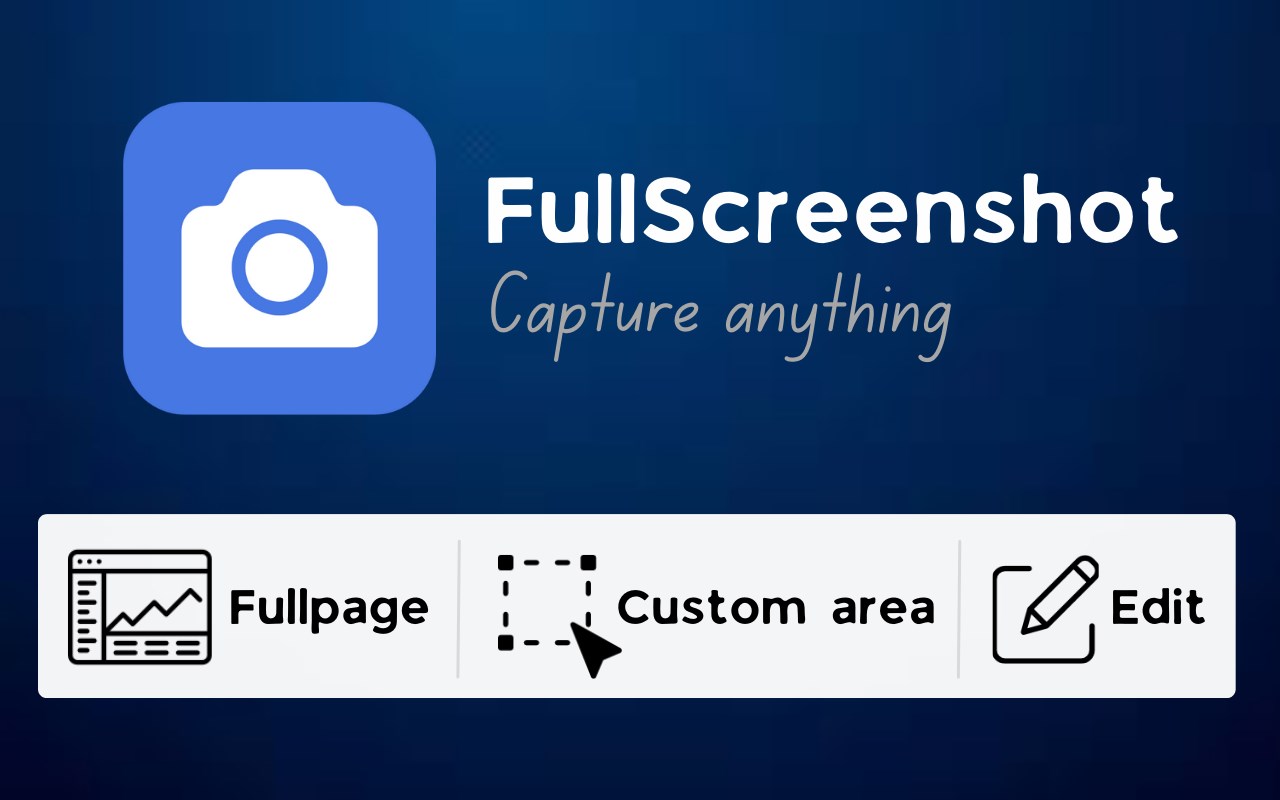
FullPageScreenshot - The Ultimate Screenshot Tool
Boost your productivity with FullPageScreenshot, the most advanced and intuitive screenshot tool. Whether you need to capture an entire webpage, a specific section, or a custom area, FullPageScreenshot offers all the features you need to streamline your screenshot tasks.
Key Features:
Full-Page Screenshots: Capture entire webpages, no matter the length, with ease.
Custom-Area Screenshots: Select and capture only the parts you need, with precision.
Advanced Editing Dashboard: Annotate, add text, highlights, shapes, and more, to enhance your screenshots.
Multiple Download Formats: Save your screenshots in JPEG, PNG, or PDF formats.
User-Friendly Interface: Simple, intuitive design for quick and easy use.
High-Quality Output: Ensure your screenshots are sharp, clear, and professional.
Who Is It For?
FullPageScreenshot is perfect for:
Students: Capture study material, notes, and assignments.
Professionals: Document workflows, create reports, or share project updates.
Designers & Developers: Snap website reviews and presentations effortlessly.
Anyone: Anyone looking for a reliable and easy-to-use screenshot tool.
Why Choose FullPageScreenshot?
FullPageScreenshot is more than just a screenshot tool. It’s a comprehensive productivity solution designed to save time and boost efficiency. With seamless features and advanced editing options, you’ll quickly wonder how you managed without it.
Download FullPageScreenshot now and take control of your screenshots like never before!