
Google Meet Party Button
Extension Actions
Send your celebrate effects during the Google Meet
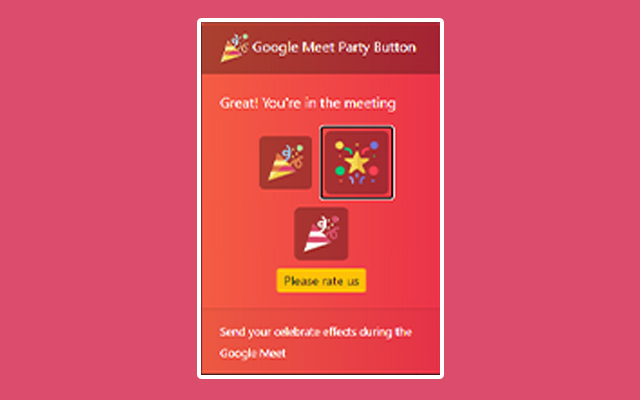
Celebrate during your Google Meet meetings.
Use this extension to have a party effect on the Google Meet screen when you wish to celebrate a major win such as closing a contract/closing a new client etc.
Instead of having happy hour at the pub to celebrate, use our Party button instead to celebrate major wins.
To begin using the extension, please install our extension.
2) Go to the Google Meet meeting
3) CLICK on the extension icon to activate our extension code. The party button will only appear when you click on
the extension icon at the top right corner. The main reason for this => it helps protect user privacy as our code only runs when you press on the Google Meet Party extension icon.
Latest reviews
- Serwaa
- good
- Kaenan
- it is not working
- Satyanarayana
- yes never works
- [email protected]
- After installing this extension I don't want to celebrate anything.
- Ondřej
- It is very lagging, I push the button, and nothing happen (sometimes) But nice when it work :)
- Leah
- Good job. The thing I think Google can work on is making everyone see it. My friends in Google Meet say they can't see it, I wanted to make it a surprise, but it didn't work. And, you can make more choices, like it can rain poop emojis and maybe make it have sound effects.
- HarshVardhan
- Worst extension ever in my life it never works.