
Helium Inline Translator
Extension Actions
Translate pages or selected text cleanly without popups using quick shortcuts.
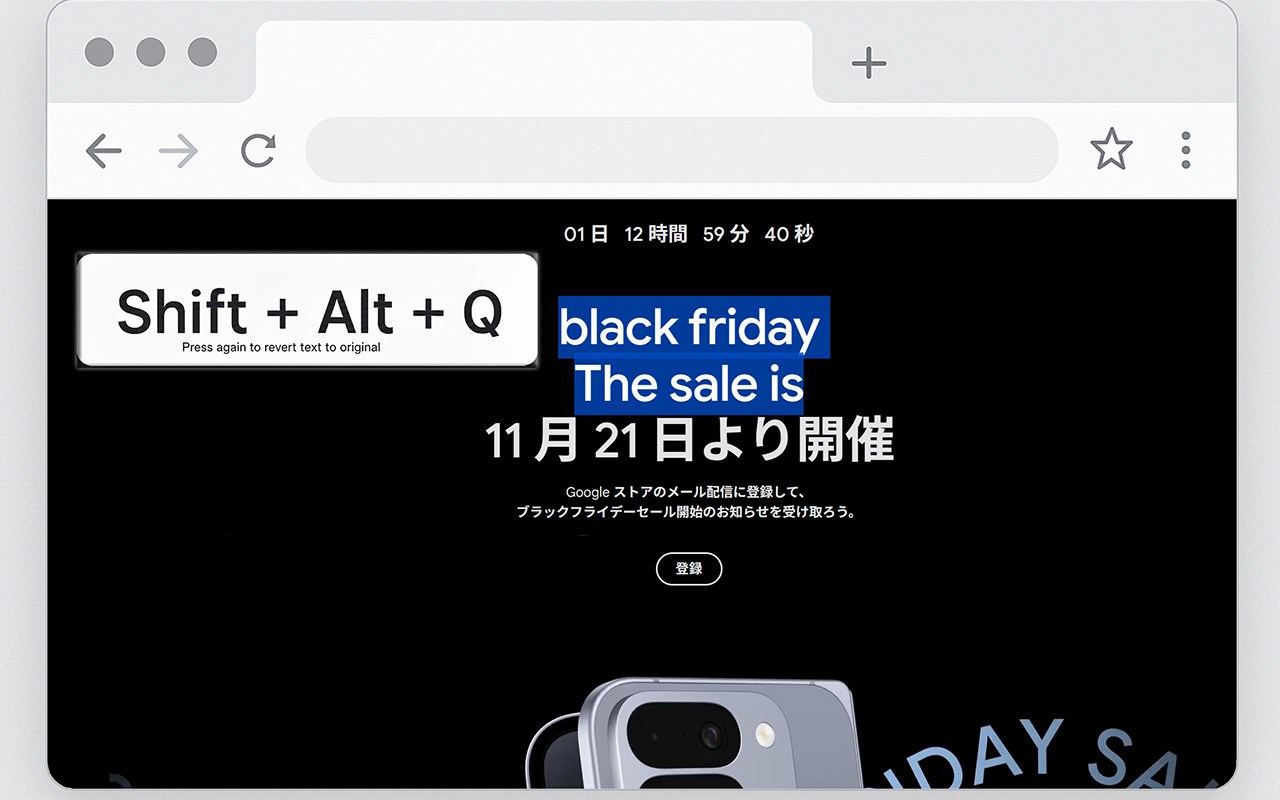
Helium Inline Translator full pages or selected text inline — fast, discreet, and popup‑free.
Translator Inline translates entire web pages or just highlighted text directly on the page, without intrusive popups or page reloads. It keeps the original layout intact so you can read.
Main Features:
• Keyboard shortcuts: Shift + Alt + Q (selection) and Shift + Alt + W (page)
• Inline translation for full pages and selected passages
• Minimal, non-disruptive popup with light and dark themes
• Save favorite target languages and use fast language search
• Full UI localization
• How it works
Choose a target language in the extension popup (save favorites for quick access).
Select text and press Shift + Alt + Q to translate inline; press again to revert.
Press Shift + Alt + W to translate the entire page; press again to restore the original.
Toggle theme between light and dark from the popup.
Why you’ll like it
No popups that break reading flow
Translations appear directly inside the content for seamless reading
Lightweight, intuitive, and designed for productivity with keyboard shortcuts