
iScribe AirMic
Extension Actions
CRX ID
nboacbjmjmdlelkdepdkgmlgjjnpganb
Description from extension meta
iScribe AirMic Web Extension for Chrome
Image from store
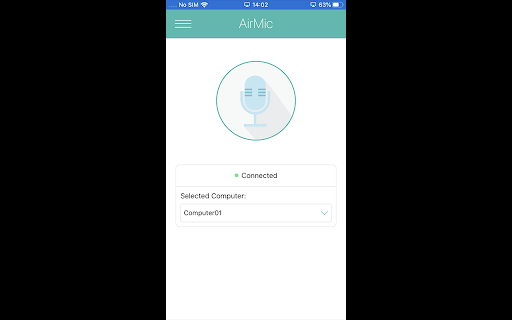
Description from store
This extension requires and is installed by iScribe AirMic for Desktop.
This extension allows iScribe AirMic to be able to interact with Google Chrome in order to enhance dictations inside the browser.
To enable the extension, click in "Add to Chrome", confirm, then refresh. To check if it is enabled, in Chrome, click the menu icon > More Tools > Extensions and check if iScribe AirMic extension is present and active.